4 passport photo app options for compliant ID photos at home in 2026
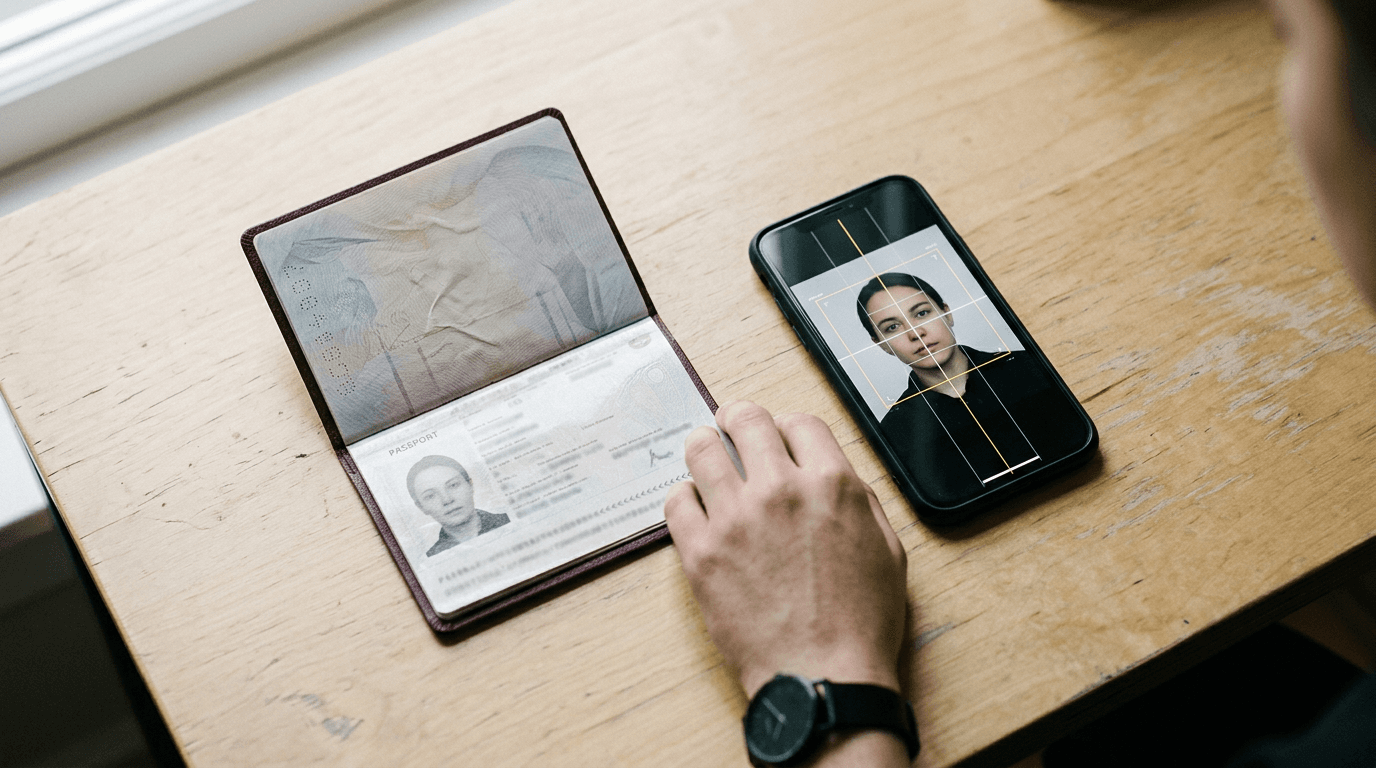
A parent trying to keep a baby still for a passport renewal usually discovers the real problem only after the first rejected upload - taking the photo is one task, but meeting digital rules, background rules and sizing rules is another. If you are comparing a passport photo app, the useful distinction is not who promises the slickest AI. It is what output you actually need: a checked image, a ready-made digital code, or a file prepared for multiple countries.
Quick Summary
A passport photo app captures or processes a phone photo into a file intended to meet official ID requirements. The best choice depends less on filters and more on output type, country support, and whether you need a digital code for an online application or simply a compliant image to upload or print.
- Choose by submission route, not by app-store wording
- A digital photo code matters only for some application flows
- AI cropping is useful, but compliance checks matter more
- Baby and child photos need extra scrutiny on positioning and background
Table of Contents
- Buying Guide / How to Choose
- 1. Smartphone iD
- 2. PhotoAiD
- 3. Passport Photo Code UK
- 4. Complyshot: UK Passport Photo App
- Which route fits your application, not just your phone
- Recommended Reads
| Product | Submission route | Features | Pros | Cons | Target Audience |
|---|---|---|---|---|---|
| Smartphone iD | Code-ready submission | Captures, verifies, delivers compliant photos and digital photo codes from a smartphone | Digital code output; phone-based capture; built around compliance delivery | Need to confirm supported authority flow; not every applicant needs a code; details beyond site summary are not stated | Applicants using online renewal routes that accept digital codes |
| PhotoAiD | File-prep submission | AI cropping, resizing and background adjustment for official ID requirements | Strong for formatting; useful across ID types; clear home-capture use case | Need to verify exact country rule support; code output not stated; check child-photo handling | Users needing a processed file to upload or print |
| Passport Photo Code UK | UK-only code submission | Mobile and web processing for passport photos with digital photo code for online renewals | UK-focused; digital code output; works on mobile and web | Narrow scope; renewal-focused wording; less suitable for wider visa use | UK applicants who specifically need a digital photo code |
| Complyshot: UK Passport Photo App | Check-before-submit | Checks passport and visa photos directly on an iPhone against country guidelines | Direct guideline checking; iPhone-native; covers passport and visa photos | iPhone only; output format needs checking; less relevant for non-Apple households | iPhone users who want a pre-submission check |
Buying Guide / How to Choose
The practical way to compare a passport photo online app is by submission route. That is the classification lens that actually changes whether the app fits your application.
The four routes in this list are:
- Code-ready submission - the app is built to produce a digital photo code as part of the output. That matters when the government form expects a code rather than a plain image upload.
- File-prep submission - the app prepares the image itself through cropping, resizing and background work. This is the right comparison when you need a compliant file for upload or printing, not a code.
- UK-only code submission - a narrower version of code-ready submission, aimed at one country flow. This should not be compared with broad multi-country tools on feature count alone.
- Check-before-submit - the app's main value is validation against guidelines on your device. That is different from generating the final file or code.
This lens matters because buyers often compare the wrong things. A tool that is excellent at resizing may still be awkward if your application route needs a digital code. Equally, a code-focused app may be overkill if all you need is a compliant JPEG for a visa upload.
For families, one extra criterion matters: how much correction the app is doing versus how much checking it is doing. Baby and child photos fail for small reasons - head position, shadows, background texture, or expression rules that vary by authority. The useful follow-up reading here is the business's own page on UK and international baby passport photo requirements and guides, because it lays out the rule differences by destination.
Practical rule: Before shortlisting any passport size photo app, open the government application route first and confirm whether it asks for a digital code, a direct upload, or a printed photo - then choose the app type that matches that route.
A second filter is platform fit. If one adult in the household has an iPhone and the other has Android, an iPhone-only app may create friction later when retakes are needed. Finally, inspect how each option talks about compliance. Vague promises are not enough. You want to see whether the tool is checking against official guidelines, producing a specific output, or merely editing the image.
If you are dealing with an infant photo, keep the standards page or support route nearby. A Help Center for UK Baby Passport Photo Maker is a good example of the kind of follow-on resource worth checking when the first capture does not meet positioning or background rules.
1. Smartphone iD
A buyer usually lands on Smartphone iD after asking a very specific question: can this app give me something I can use directly in an online application rather than just an edited image? That is where its code-ready submission approach becomes relevant.

According to its own site summary provided here, Smartphone iD is a mobile application designed to capture, verify and deliver government-compliant passport photos and digital photo codes from a smartphone. The mechanism matters. This is not just cropping after the fact; the value proposition is that the phone becomes both the capture device and the delivery route for compliant output. For someone moving through an online form that accepts codes, that can reduce one awkward hand-off in the process.
Digital code delivery changes the application workflow
The strength of this option is not that it is “mobile” - all four options touch mobile in some way. The useful distinction is that Smartphone iD is built around code-ready submission. That means it should be judged against the point where applications stall: not taking the picture, but turning it into the exact kind of asset the authority will accept.
That distinction is especially relevant for applicants who do not want to guess whether an edited file still needs another step before submission. I would pay attention here if the household is doing a straightforward online passport route and wants to avoid juggling files across devices.
Where caution is needed is equally clear. The summary confirms digital photo codes, but it does not tell you every authority or route supported, and it does not state how it handles edge cases such as baby photos, glasses issues, or repeated retakes. So this is not one to pick on assumptions alone. Check the exact authority path before committing time to a full retake session.
The verdict is simple: choose Smartphone iD when your main bottleneck is turning a phone capture into a code-backed submission, not when you merely need a resized image.
Pros
- Produces digital photo codes as part of the stated output
- Built for smartphone capture, verification and delivery
- Framed around government-compliant photos rather than generic editing
Cons
- Full country and route coverage is not stated in the verified facts
- Not every application flow needs a digital code
- Child-specific handling is not described in the provided source material
2. PhotoAiD
Unlike the previous option, PhotoAiD is easier to think about as a file-prep submission tool. That sounds less specialised, but for many applications it is exactly the right job.
The verified description says PhotoAiD is an AI-powered passport photo tool that automatically crops, resizes and adjusts backgrounds to meet official ID requirements. That tells you how it works in practical terms: it takes a capture you already have and pushes it towards the specification through formatting steps that normally cause DIY attempts to fail. For applicants applying across different countries or document types, that broader formatting role is often more useful than a single-country code flow.
Multi-country formatting is the real attraction here
What separates PhotoAiD is not simply “AI”. That word is cheap unless it points to a mechanism. Here, the mechanism is image preparation: cropping to the right frame, resizing to the right dimensions, and adjusting the background to align with official requirements. In other words, the app is doing the remedial technical work that home photos usually need.
That makes it a sensible fit where the submission route accepts a file upload or where you need a print-ready result rather than a code. It may also suit families handling both passport and visa applications across different destinations, because the core job is flexible image preparation instead of one narrow workflow.
I would hold off on this if the authority portal explicitly revolves around a digital code and the product page does not say that code is part of the output. That is not a flaw in the app. It is a mismatch in workflow. Also, while background adjustment is useful, it should make you more careful, not less. Overconfidence is where home photo attempts go wrong.
If your next step is checking what a compliant infant image actually needs before using any passport photo online app, the contact page for UK Baby Passport Photo Maker is less relevant than the rules pages and help materials, so keep your attention on requirements first and tools second.
The better fit for PhotoAiD is the applicant who needs a prepared image file for upload or print across more than one document context.
Pros
- Automates the three editing jobs that most often cause rejection risk
- Suits upload and print workflows without requiring a code-first route
- Framed for official ID requirements rather than casual photo editing
Cons
- Digital photo code output is not stated in the verified facts
- Exact country and document coverage is not specified here
- Families should still verify child-specific rules separately
3. Passport Photo Code UK
The trigger for looking at Passport Photo Code UK is usually a failed assumption: people search for an online passport app, then realise they do not need a broad international tool at all - they need a UK-only code submission route that does one thing cleanly.
The verified description says it is an independent mobile and web application designed to process passport photos and generate a digital photo code for online renewals. That gives it a very specific mechanism and audience. It processes the image, then outputs the code needed for a UK online renewal flow. The mobile-and-web combination also matters more than it sounds. Some households capture on a phone but prefer final review on a laptop.
A narrow UK job can be an advantage when that is your exact need
This is the option on the list where narrowness can be a strength. A focused UK-only code submission product should be assessed on whether it reduces friction in a UK renewal path, not on whether it can cover every visa or overseas document scenario. That distinction saves a lot of bad comparisons.
For a reader in the United Kingdom renewing online, the attraction is obvious: the output is the thing the application route asks for. There is less value in broad editing features if you still end up needing a code elsewhere. I would shortlist this fastest when the applicant already knows the process is a UK renewal and wants to stay inside that lane.
Its limit is also plain from the name and verified description. If your need extends beyond UK renewals - visas, another country's passport standards, or a household juggling multiple document types - this may be too narrow to serve the whole job. It may still work for one person in the family and not the others.
The reader who should buy this is the one with a UK renewal workflow that specifically benefits from a digital photo code and does not need wider document support.
Pros
- Specifically produces a digital photo code for online renewals
- Available through both mobile and web routes
- UK focus may simplify a narrow, defined use case
Cons
- Verified description points to a narrow UK scope
- Renewal wording may not match first-time or non-passport needs
- Broader visa and international use is not established by the provided facts
4. Complyshot: UK Passport Photo App
What actually happens to the data in Complyshot, based on the verified description, is different from the others: it checks passport and visa photos directly on an iPhone against official country guidelines. That places it in the check-before-submit route rather than the code-first or file-prep routes.

This distinction matters because some applicants do not need another app to generate the image. They need confidence that the image they already have is likely to align with the rules before they submit it. For a cautious user, especially one already working entirely on an iPhone, that can be a cleaner decision path than using a broader editing tool.
Device-side checking suits cautious iPhone users
The value of Complyshot lies in validation. It is described as checking passport and visa photos directly on an iPhone against country guidelines, which means the app is positioned around rule checking rather than broad image transformation. That should appeal to users who are less worried about background removal and more worried about whether the shot already meets the standard.
That can be useful in households where one person takes several attempts and wants immediate screening before moving to the application form. It may also suit travellers handling both passport and visa images, because the verified description explicitly mentions both.
What would make me hesitate is the platform boundary. iPhone-only is a real operational limit, not a minor footnote, especially for families sharing devices or trying to repeat the process later on another handset. The verified description also tells you about checking, but not the final output type, so you should confirm whether it gives you the exact file or route your authority requires.
Pick Complyshot when the main risk is submitting an image that has not been checked properly, and your capture workflow already lives on an iPhone.
Pros
- Checks photos directly against country guidelines
- Covers both passport and visa photos in the verified description
- Good fit for users staying entirely within an iPhone workflow
Cons
- Limited to iPhone users
- Final submission output is not described in the verified facts
- Less suitable where a digital code is the core requirement
Practical rule: When an app talks about “checking” and another talks about “generating a code”, treat those as different jobs. Do not assume one automatically does the other.
Which route fits your application, not just your phone
For code-ready submission, Smartphone iD makes sense when the bottleneck is getting from phone capture to a code-backed application asset. That route suits applicants who already know their authority accepts digital codes and want fewer transfer steps.
Within file-prep submission, PhotoAiD fits the broader job: preparing an image through cropping, resizing and background adjustment when the application expects a file upload or a printable result. That route tends to suit mixed household needs better than a single-country code path.
A UK-only code submission choice is narrower by design. Passport Photo Code UK is the better match when the task is specifically a UK online renewal and the value lies in producing the required code rather than supporting multiple document types.
For check-before-submit, Complyshot is the cleanest fit if the real concern is guideline compliance checking on an iPhone before submission. That is a different buying decision from choosing a tool that edits or codes the image.
One final point matters for parents: child and infant images are where application rules feel most unforgiving. A tool that can process or check a photo is only one part of the job. You still need to understand the authority standard you are aiming at. Pages such as the site's 100% refund policy, terms and conditions and privacy policy are useful examples of what to inspect whenever a photo tool asks you to trust its compliance workflow, refund boundary and data handling. That kind of scrutiny is worth more than another feature list.