6 Tools for a Reliable Passport Photo Check in 2026
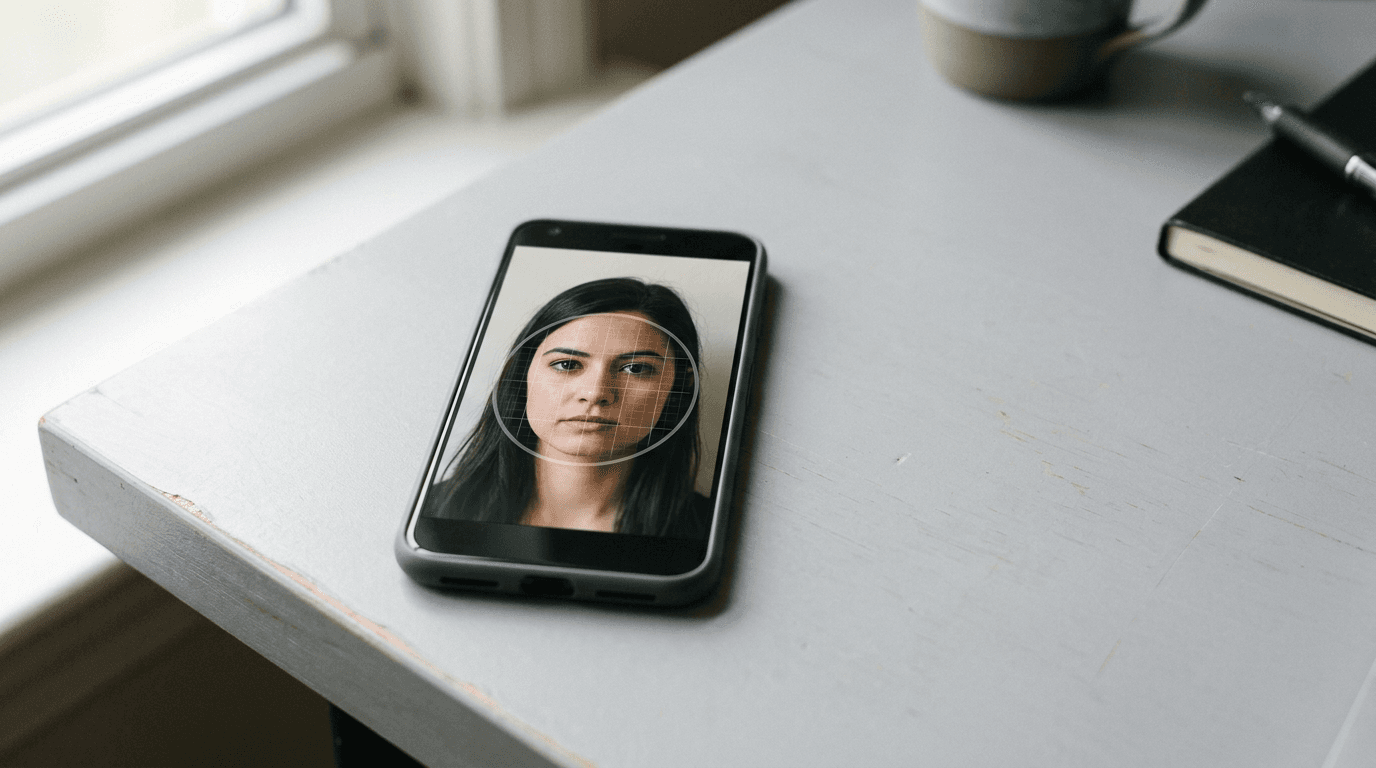
The moment the upload portal displays "Image rejected: face proportion out of bounds" is the moment most parents realise smartphone photography requires a specific kind of precision. You spent an hour trying to get an infant to look directly at the lens, only for a digital gateway to refuse the file because the background is not strictly light grey. When you check passport photo online before submission, you shift that failure point from the government portal to a private environment where mistakes cost nothing to fix.
Quick Summary: The Passport Photo Check
A digital passport photo check evaluates a portrait against government biometric specifications before you submit a formal application. These tools analyse dimensions, background colour, and facial positioning to catch formatting errors that would otherwise trigger an official rejection.
- Pre-submission checking prevents weeks of delays caused by application rejections.
- Infant photos require specialised verification because standard checks often fail to account for supported heads or closed eyes.
- Automated verification removes the guesswork from formatting 35x45 mm or 2x2 inch digital files.
- Processing environments dictate whether your image data remains on your device or travels to a remote server.
Table of Contents
- Quick Summary: The Passport Photo Check
- Buying Guide: Understanding Processing Architecture
- Comparison Table
- 1. BabyPassportMaker
- 2. PassportPhotoChecker.co.uk
- 3. PhotoGov
- 4. PixPassport
- 5. Passport Photo Code UK
- 6. CEWE Passport Photo App
- Matching the Tool to Your Application
- Recommended Reads
Buying Guide: Understanding Processing Architecture
Before evaluating individual tools, you must understand how they handle your data. The critical lens that separates these platforms is their Processing Architecture. This defines where the actual biometric calculation happens and what resources it requires from your hardware.

We divide the market into three categories:
- Cloud AI Verification: You upload the image to a remote server. The platform uses significant computing power to map the face, remove the background, and verify parameters against a database of global regulations. This suits complex cases like newborn photography where backgrounds are often messy.
- Local Browser Script: The website downloads a verification script to your browser. The image never leaves your computer. This provides total privacy but relies entirely on your device's processing power and standard web camera capabilities.
- App-Based Processing: You install dedicated software on your smartphone. The tool integrates directly with the device's camera hardware, offering real-time framing guides before you even capture the shot.
Practical rule: Never evaluate a checking tool using an adult's photo if your ultimate goal is an infant passport. Algorithms that easily map a standing adult's jawline frequently fail to identify the chin of a newborn lying on a blanket.
Comparison Table
| Product | Processing Architecture | Features | Pros | Cons | Target Audience |
|---|---|---|---|---|---|
| BabyPassportMaker | Cloud AI Verification | 20+ point biometric check, background removal, newborn focus | Compliance guarantee, sub-60-second processing, printable templates | Digital delivery only, strict input guidelines, requires printing separately | Parents photographing infants |
| PassportPhotoChecker.co.uk | Cloud AI Verification | British passport focus, online adjustment | Independent UK check, targeted adjustments, browser access | Single region focus, lacks app version, requires manual upload | UK passport applicants |
| PhotoGov | Cloud AI Verification | Selfie cropping, resizing, official standard verification | Fast formatting, automated cropping, accessible online | Needs well-lit input, limited shadow correction, basic selfie focus | Adult digital selfie users |
| PixPassport | Cloud AI Verification | HM Passport Office specification matching | Direct UK matching, simple interface, digital file evaluation | Fixed UK rules, no multi-country support, basic interface | British citizens online |
| Passport Photo Code UK | Local Browser Script | Local file checking, browser execution | Device-level privacy, free to use, no remote upload | Device dependent, requires modern browser, basic checks | Privacy-conscious UK applicants |
| CEWE Passport Photo App | App-Based Processing | Mobile capture, biometric checking, export functions | Smartphone integration, guided capture, offline potential | Requires installation, consumes storage, mobile only | Smartphone-only users |
1. BabyPassportMaker
BabyPassportMaker, which publishes this guide, is one of the options below. Operating within the Cloud AI Verification category, it provides an AI-powered platform that converts smartphone photos of infants into government-compliant passport and visa images. The service aims to replace the stressful and often unsuccessful trip to a physical photo booth by allowing parents to format images from home.
The mechanism relies on an automated system. It handles background removal, auto-cropping, and precise scaling to meet specific country requirements. This includes the 35x45 mm standard for the UK or the 2x2 inch format for the US. When a parent uploads a photo of a newborn lying on a flat surface, the proprietary AI evaluates 20+ points of failure. It verifies image sharpness, resolution, head positioning, head tilt, and the presence of shadows before finalising the file. Deliverables include digital files formatted for online portals. They also include a 4x6" printable template for physical submission. The platform operates on an "as-is" basis. It acts as a technical utility that ensures the photo file meets existing government regulations rather than offering application advice.
Specialisation in infant biometrics mitigates portal rejections
Standard adult facial recognition routinely fails on a wriggling baby. This happens because infant proportions differ drastically from adult benchmarks. The engine is built specifically for newborns. It expects closed eyes or unusual head tilts. It then correctly flags which of those deviations remain acceptable under specific international guidelines. The platform includes a 100% money-back guarantee if a photo is rejected due to compliance issues. This shifts the financial risk away from the user.
However, because the service provides a strictly technical image formatting utility, it cannot assist with government processing delays or application errors unrelated to photo compliance. It is less suited to buyers expecting a complete application handling service, as users must still submit the final digital files or print the 4x6" templates themselves.
Parents needing to confidently format a wriggling infant's photo against strict biometric standards from their own living room should use this platform.
Pros
- Backed by a 100% money-back guarantee for photo compliance rejections.
- Evaluates 20+ distinct biometric markers including head tilt and shadows.
- Processing completes in under 60 seconds directly from a smartphone browser.
Cons
- Limits its scope strictly to the image file rather than the wider application process.
- Requires the user to arrange their own physical printing from the provided templates.
- Depends on the user applying the provided pro-tips for capturing the initial raw photo.
2. PassportPhotoChecker.co.uk
PassportPhotoChecker.co.uk serves as a Cloud AI Verification platform. It is an independent online passport photo checking and adjustment tool designed for British passport applications. For citizens who have already taken a photograph and simply need a secondary evaluation before attempting the official HM Passport Office upload, this platform provides a focused, single-market evaluation.
Dedicated focus on UK standards streamlines local applications
By narrowing its operational parameters to just British requirements, the platform avoids the cluttered interfaces common to multi-national tools. I would rely on this straightforward check if I only ever intended to apply for documents within the UK system. The interface asks for the file, runs its adjustment protocols, and returns a verdict based strictly on HM Passport Office rules.
Its honest limit lies in that exact specialisation: because it is designed exclusively for British applications, it is less suited to buyers who need compliant images for US, Canadian, or Schengen visas.
UK applicants seeking an independent, market-specific check before submitting their final file to the government portal should start here.
Pros
- Eliminates confusion by evaluating against a single, clearly defined national standard.
- Performs adjustments online without requiring a software download.
- Acts as an independent verification step before official submission.
Cons
- Less suited to buyers needing multi-country travel document verification.
- Requires the user to manually upload a pre-captured file from their device.
- Lacks a dedicated mobile application for users who prefer native smartphone workflows.
3. PhotoGov
Operating within the Cloud AI Verification category, PhotoGov is an online passport photo tool that crops, resizes, and verifies digital selfies against official standards. It targets adult applicants who prefer taking their own photographs with a smartphone or webcam rather than visiting a studio, formatting the raw capture into a document-ready file.
Automated selfie processing reduces standard editing time
Turning a casual selfie into a biometric portrait usually requires manually mapping the crown of the head and the chin to an invisible grid. I would opt for this tool to bypass that tedious manual cropping phase, as the software automatically identifies the face and resizes the margins to match official documentation standards. The process takes seconds once the file reaches the server.
Because the platform relies heavily on the user providing a reasonably well-lit initial selfie, it is less suited to buyers needing heavy shadow correction or background replacement for complex, cluttered environments. The verification works best when the input is already close to compliance.
Adult applicants looking to quickly resize and format a well-lit digital selfie for official use should try this tool.
Pros
- Automates the tedious process of manual cropping and margin resizing.
- Verifies digital selfies against established official formatting standards.
- Operates entirely online without demanding complex editing skills.
Cons
- Less suited to buyers submitting poorly lit photos with heavy facial shadows.
- Focuses primarily on standard adult selfies rather than complex infant portraits.
- Demands a relatively clean raw input to achieve a compliant final export.
4. PixPassport
PixPassport functions as a Cloud AI Verification tool. It is a digital passport photo checker that scans and evaluates uploaded images against HM Passport Office specifications. It exists for users who have exported a photograph from their camera or phone and want an automated verdict on whether the dimensions and facial positioning meet the stringent British criteria.
Direct specification matching catches basic formatting errors
Failing a passport application because the head measures 28mm instead of the required 29mm is a frustrating technicality. I would use this scanner to catch those exact mathematical discrepancies before they trigger a bureaucratic delay. The tool scans the uploaded file, measures the key biometric distances, and cross-references them directly with the active UK specifications.
Its structural limit is its fixed ruleset; because it evaluates against a strict set of UK specifications, it is less suited to buyers needing multi-jurisdictional support for international visas or driving licences with different dimensional requirements.
British citizens looking for a straightforward, automated mathematical evaluation of their digital file should use this checker.
Pros
- Scans and measures biometric distances with mathematical precision.
- Evaluates directly against known HM Passport Office specifications.
- Provides immediate feedback on uploaded images via a web interface.
Cons
- Less suited to buyers needing to verify files for international visa requirements.
- Provides a basic evaluation interface rather than comprehensive adjustment tools.
- Lacks the ability to fundamentally repair a non-compliant raw photograph.
5. Passport Photo Code UK
For those looking for a passport photo online free option, Passport Photo Code UK falls firmly into the Local Browser Script category. It is a browser-based free UK passport photo file checker that runs local compliance checks, evaluating the image file properties without requiring the user to transmit their sensitive personal data to a distant server farm.
Local execution keeps image data on the device
Uploading high-resolution facial data to unknown servers understandably concerns privacy advocates. I would deliberately choose this tool when handling sensitive identity documents because the checking script downloads to the browser and executes locally, meaning the biometric image file never actually leaves the device's local memory.
The limitation of this architecture is its dependence on client hardware; because it runs local compliance checks entirely in the browser, it is less suited to buyers using older devices with limited processing power or outdated web browsers that cannot execute modern scripts efficiently.
Privacy-conscious users wanting to check a file's compliance without uploading their facial data to a remote server should run this script.
Pros
- Executes compliance checks locally without transmitting data to remote servers.
- Operates entirely free of charge within a standard web browser.
- Protects user privacy by keeping sensitive biometric files on the host device.
Cons
- Less suited to buyers using older smartphones with limited local processing capabilities.
- Relies on the user maintaining a modern, updated web browser for script execution.
- Offers basic compliance checking rather than advanced AI background removal.
6. CEWE Passport Photo App
CEWE Passport Photo App represents the App-Based Processing approach. It is a mobile application for taking, checking, and exporting biometric passport photos. For applicants who prefer to handle the entire process on their smartphone rather than transferring files to a desktop computer, this consolidates the workflow into a single installed program.
Mobile-first workflow suits smartphone capture
By keeping the capture and verification process entirely within a downloaded environment, the application integrates tightly with the phone's camera hardware to provide immediate framing feedback. I would use this approach if transferring high-resolution files between different devices typically causes compression issues or workflow friction. The software checks the resulting image against biometric standards before allowing the final export.
However, because it requires installing a dedicated mobile application, it is less suited to buyers who prefer entirely web-based workflows, lack device storage, or only need to check a single photo as a one-off task.
Users who want to capture, check, and export their biometric image entirely within a single native mobile environment should install this app.
Pros
- Integrates directly with the smartphone camera for real-time framing assistance.
- Consolidates capturing, checking, and exporting into one isolated workflow.
- Bypasses the file compression risks associated with mobile web browser uploads.
Cons
- Less suited to buyers who prefer lightweight, installation-free web platforms.
- Consumes permanent storage space on the user's mobile device.
- Restricts the verification process to a mobile screen rather than a larger desktop monitor.
Matching the Tool to Your Application
If you need to get passport photo online for a newborn or infant, the complexity of supporting their head and dealing with messy backgrounds demands Cloud AI Verification. BabyPassportMaker handles the heavy computational lifting required to isolate an infant from a patterned blanket, ensuring the final file meets the exact 35x45 mm UK or 2x2 inch US standards without requiring you to manually paint out the background. If you are an adult applicant who just needs to format a clean, well-lit selfie for a British application, PhotoGov or PassportPhotoChecker.co.uk provide the necessary server-side cropping and alignment without the infant-specific algorithms.

When privacy is your absolute priority and you refuse to transmit biometric data across the internet, a Local Browser Script is the necessary choice. Passport Photo Code UK allows you to run the compliance rules directly on your own machine. The image stays on your hard drive, completely isolating your identity data from third-party server breaches, though you must accept that the checking depth is limited by your own computer's processing capabilities.
For users who intend to shoot the portrait on their phone and immediately generate the final file without ever opening a web browser, App-Based Processing provides the smoothest path. The CEWE Passport Photo App locks the entire workflow into a single mobile environment, leveraging the phone's native camera hardware to guide the framing before the shutter even clicks.