A Complete Guide to Countersigning Passport Photo Applications in 2026
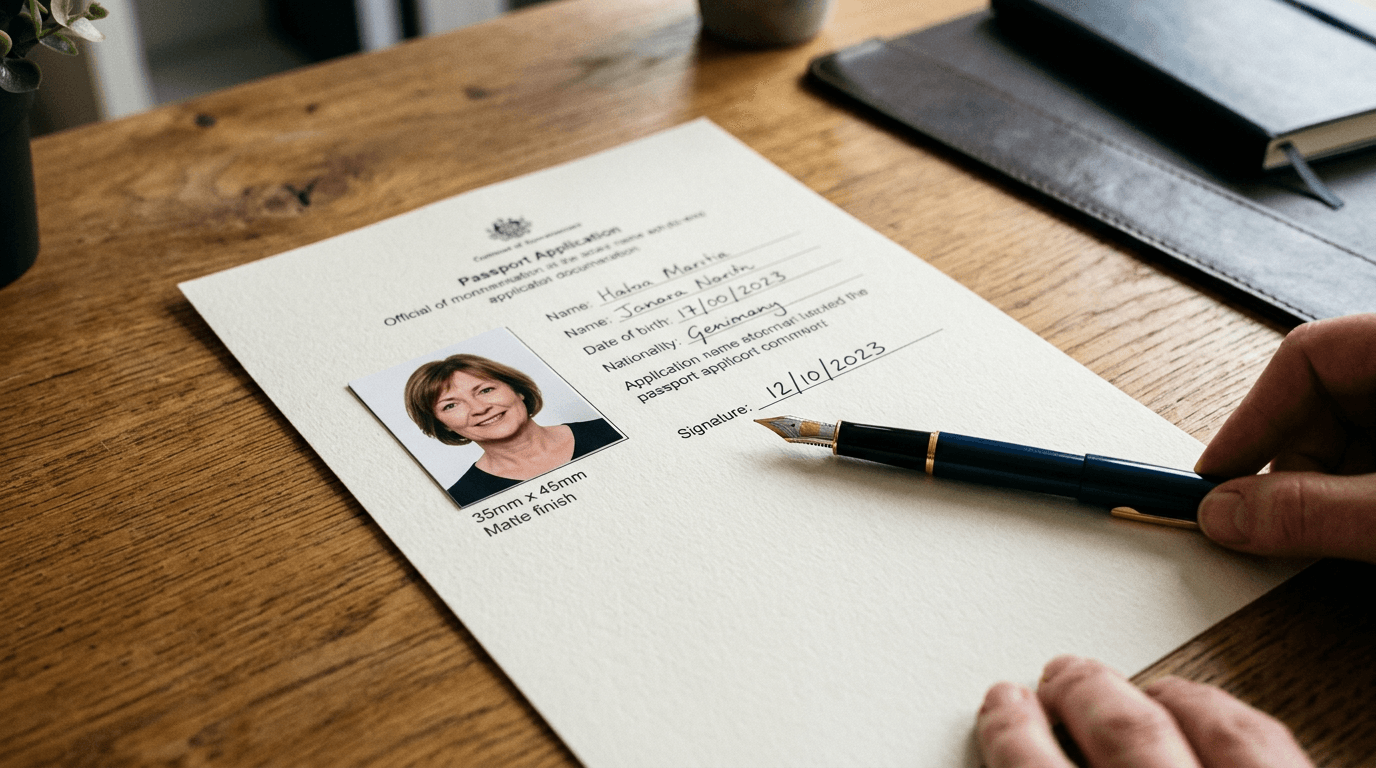
Many applicants assume that finding a professional to verify their identity is as simple as asking their local doctor or a familiar solicitor to sign a piece of paper. The reality is that HM Passport Office rules explicitly reject doctors unless they are close personal friends, and a professional title means nothing if the signatory has not known you for at least two years. When you are countersigning passport photo applications, failing to match the precise relationship criteria will trigger an automatic rejection, delaying your travel documents by several weeks. Before you ask someone to confirm your identity or your child's identity, you must map their professional standing against the government's accepted list and ensure their own passport status is completely flawless. The introduction of the digital application process has shifted how this verification happens, but the strictness of the identity rules remains absolute.
Quick Summary
Countersigning a passport application is a legal verification process where an independent, professionally recognised individual confirms the applicant's identity. This is mandatory for all children under 12, first-time adult applications, and replacements for lost passports to prevent identity fraud.
- Identify a professional who has known you personally for two full years.
- Ensure the signatory holds a current, valid UK passport.
- Choose between the digital email confirmation route or a physical paper signature.
- Never use a relative, partner, or someone residing at your exact address.
Table of Contents
- 1. Identify if a Countersignature is Mandatory
- 2. Select a Legally Recognised Signatory
- 3. Verify the Relationship Duration and Nature
- 4. Choose Between Digital and Paper Verification
- 5. Prepare the Applicant Details for the Signatory
- 6. Execute the Verification and Submit
- Common Pitfalls & Troubleshooting
- FAQ
- Recommended Reads
1. Identify if a Countersignature is Mandatory
Unverified applications guarantee a delay
HM Passport Office does not require identity verification for every standard renewal. Adult passports where your appearance remains largely unchanged will bypass this administrative hurdle entirely. However, the system mandates a countersignature for all first-time adult passports, replacements for lost or stolen documents, and critically, all applications for children under 12 years of age. The requirement for children exists because infants change appearance so rapidly that previous biometric data becomes useless for facial recognition algorithms. If you are applying for a baby, the government system demands an external, trusted authority to link the newborn's face to the legal identity being registered.
Many applicants assume that a compliant image created with a passport photo code uk means the automated biometric checks alone will carry the application through to approval. That is not enough. The digital code only proves that the image meets the physical technical specifications for lighting, background, and head size. It does not verify who is in the picture. If your appearance has changed significantly since your last passport due to facial surgery, major weight loss, or simply the passage of time, the automated system will flag the application and halt the process until a countersignature is provided. Delays then follow. If you submit an unverified application while falling into one of these high-risk categories, the examiner will write back to request the missing verification. Checking the UK & International baby passport photo requirements and guides will clarify exactly when a new baby photograph demands this external validation.
2. Select a Legally Recognised Signatory

A lapsed professional registration guarantees instant rejection
The Home Office operates a strict whitelist of professions deemed to be 'persons of good standing in their community'. This accepted list includes teachers, qualified accountants, police officers, registered nurses, civil servants, and limited company directors. The mechanics of this specific rule are tied entirely to professional accountability: individuals who hold a professional registration or formal public standing have something significant to lose if they are caught facilitating identity fraud. HM Passport Office actively uses professional databases to cross-reference the signatory's details, ensuring they genuinely hold the position they claim on the form.
The most common mistake at this stage is approaching a medical professional, such as a local doctor or dentist, under the assumption that medical practitioners are universally accepted authorities. The official rules explicitly state that doctors and dentists are not permitted to act as signatories unless they know you as a close personal friend rather than purely in a professional capacity as a patient. Another frequent failure mode is using someone who has retired from their profession. While a retired professional can occasionally sign the document, they must still hold a current professional qualification or remain an active member of their professional body. If they let their registration lapse a decade ago, the verification will be rejected outright by the checking staff. You must always ask the prospective signatory if their professional membership is actively maintained before you submit their details.
3. Verify the Relationship Duration and Nature
Shared addresses fail the automated database check
Finding someone with the correct job title is only the first half of the verification requirement; the nature and duration of your relationship with them is equally critical to the application's success. The legal framework requires the signatory to have known the applicant personally for a continuous period of at least two full years. In the case of a child under 16, they must have known the parent or guardian for two years and be able to visually identify the child. This means they must be able to identify you in a completely unofficial capacity. They cannot simply be someone who works in the same office building or a shopkeeper you interact with occasionally. They must know your full name, recognise your face, and be willing to state legally that you are who you claim to be.
The primary failure point in this step is crossing the strict boundary of permitted relationships. You cannot use anyone related to you by birth or marriage, nor anyone you are in a romantic relationship with. Crucially, you cannot use someone who lives at the same address as you. People often fall into the trap of using a landlord or a flatmate who holds an accepted profession, reasoning that they have known each other for years and share a close bond. The HM Passport Office system checks electoral rolls, credit files, and address databases automatically upon submission. If the signatory's registered address matches the applicant's address, the system aborts the verification immediately without right of appeal.
Practical rule: If you would naturally invite the person to a personal family event, and they do not share your surname or live at your address, they are likely a safe choice for passing the relationship check.
Reviewing the terms and conditions of any software platform used alongside your application will also remind you of your legal responsibility to provide accurate data during these checks.
4. Choose Between Digital and Paper Verification
Printing a digital submission breaks the verification chain
Two routes now exist. They do not overlap: the traditional paper form and the digital confirmation route. If you apply online, which most applicants now do, the digital route is the standard mechanism. When you provide the signatory's email address, HM Passport Office sends them a secure, encrypted link. They then log into a government portal. Next, they enter their own passport details to authenticate themselves. They view your uploaded photograph on screen and tick a legal declaration confirming your identity. The paper route works differently. If you apply using a paper form obtained from the Post Office, the signatory must write a specific certification statement on the back of a printed photograph, sign it in ink, and date it.
A severe misunderstanding happens when applicants mix these two streams. People frequently obtain a digital code for their photograph, begin the application online, and then mistakenly believe they need to print the digital photo for their professional contact to physically sign. You cannot countersign a printed copy of a digital photo submission. If you start digitally, the entire verification must happen via the email link. Furthermore, when using the digital route, the signatory must confirm their identity using their own current, valid UK passport. If their passport has expired even by a single day, the digital portal will reject their input entirely, and you will have to start the nomination process again from scratch with a different person. Relying on a dedicated UK baby passport photo maker ensures the initial digital file is correctly formatted for this online upload, preventing formatting errors before the signatory is even contacted.
5. Prepare the Applicant Details for the Signatory
Missing the security question locks the application
Before you trigger the automated system to contact your chosen professional, you must prepare them for exactly what will happen and what data they need to hand. The digital system moves rapidly, and the secure link sent by HM Passport Office is heavily time-sensitive. The signatory will need to have their own physical passport immediately available to complete the digital declaration, as they must input their nine-digit passport number, the exact expiry date, and their full name exactly as it appears on their document. If you are applying on behalf of a baby, you must clarify to the signatory that they are legally confirming they have known you (the parent) for two years, and that they recognise the child in the photo as yours.
The most common mistake applicants make at this stage is failing to brief the signatory about the email delivery timeline. The official email arrives from a generic government address and routinely drops straight into corporate spam filters, junk folders, or promotional inboxes. If the signatory does not know to actively look for it on the day you submit, the link will sit unclicked. The digital portal also requires them to answer a security question based on the applicant's details, such as your exact date of birth or your current home address. If your signatory only knows your previous address because you recently moved, their attempt to verify your application will fail the security gateway. You must provide them with a precise cheat sheet of your current application details before they open the link. The platform's help center can provide additional guidance on exactly what technical details need checking before you proceed.
6. Execute the Verification and Submit
Letting the portal time out destroys your application
The final step involves executing the verification, tracking its acceptance, and dealing with any systemic errors that arise. Once you submit the signatory's details, the application enters a suspended holding state. HM Passport Office will not begin checking the documentation, verifying the biometric compliance of the image, or printing the new passport until the signatory has fully completed their declaration. You can track this progress through your online applicant portal, which will clearly show whether the verification is pending, completed, or rejected.
Applicants frequently abandon their applications in this holding state, assuming the government is actively processing it behind the scenes. If your signatory delays clicking the link, the application will eventually time out, and you will lose your application fee with no recourse. If the system rejects your signatory for any reason, you must log back in immediately and nominate a replacement. Should you encounter a systemic error where a valid, qualified signatory is inexplicably blocked, you may need to escalate the issue. Phoning the passport advice line is the absolute only way to resolve technical lockouts where the digital portal refuses to accept a valid UK passport number from a professional. The support staff can see the back-end errors and will advise if you need to switch to a paper application to bypass a software glitch. If your image is rejected after the signature is secured, looking at a 100% refund policy for the photo software you used can help recover those initial costs.
Common Pitfalls & Troubleshooting
Properly diagnosing verification failures prevents you from discarding a valid application. The second issue below - the shared address flag - is the most frequent real cause of an unexpected rejection.
1. The Expired Signatory Document Symptom: The digital link immediately rejects the signatory when they type in their details, displaying an invalid document error on the screen. Fix: The signatory's own UK passport has expired or been cancelled. The system relies on their active passport to authenticate them. You must log into your application portal and nominate a different person entirely, ensuring their travel document is currently valid.
2. The Shared Address Flag Symptom: You receive an email stating the countersignature has been rejected due to a relationship conflict, despite using a valid, employed professional. Fix: HMPO databases detected that the signatory's registered address matches yours, or you share a surname. This is the most common cause of sudden rejection. Nominate someone who lives in a different property and is not related to you by birth or marriage.
3. The Unrecognised Profession Alert Symptom: The examiner pauses the application and sends a letter requesting a new signature because the professional standing could not be verified. Fix: The signatory used a vague job title like "Manager" or works in an unregistered capacity. Provide a new signatory who holds a verifiable registration, such as a teacher with a General Teaching Council number or an accountant registered with the ACCA, and ensure they state their exact regulatory title.
4. The Link Timeout Symptom: The signatory attempts to open the email, but the webpage says the verification session has expired. Fix: Digital verification links have a strict validity window to prevent security breaches. Log back into your HM Passport Office application dashboard and use the "Resend email" function to generate a fresh, time-stamped link.
FAQ
Can a retired person countersign a passport application? Yes, provided they still hold a recognised professional qualification and are still an active member of their relevant professional body. If they have completely relinquished their registration or membership, they are no longer legally eligible to act as a verifier.
How long must the countersignatory have known me? They must have known you personally for a continuous period of at least two full years. For a child's passport, they must have known the adult applying on the child's behalf for two years, and be able to visually identify the child from the photograph.
Do I need to print my digital photo for signing? No. If you apply online using a digital photo code, the entire verification process happens via a secure email link. The signatory will view your digital photo on their screen and click to confirm it is a true likeness. Printing the image breaks the digital chain.
What happens if my countersignature is rejected? HM Passport Office will pause your application and send you an email or letter instructing you to nominate a new person. You will not lose your application fee immediately, but the processing time will be delayed until the new verification is completed and accepted.