A Complete Guide to Ireland Passport Photo Requirements for 2026
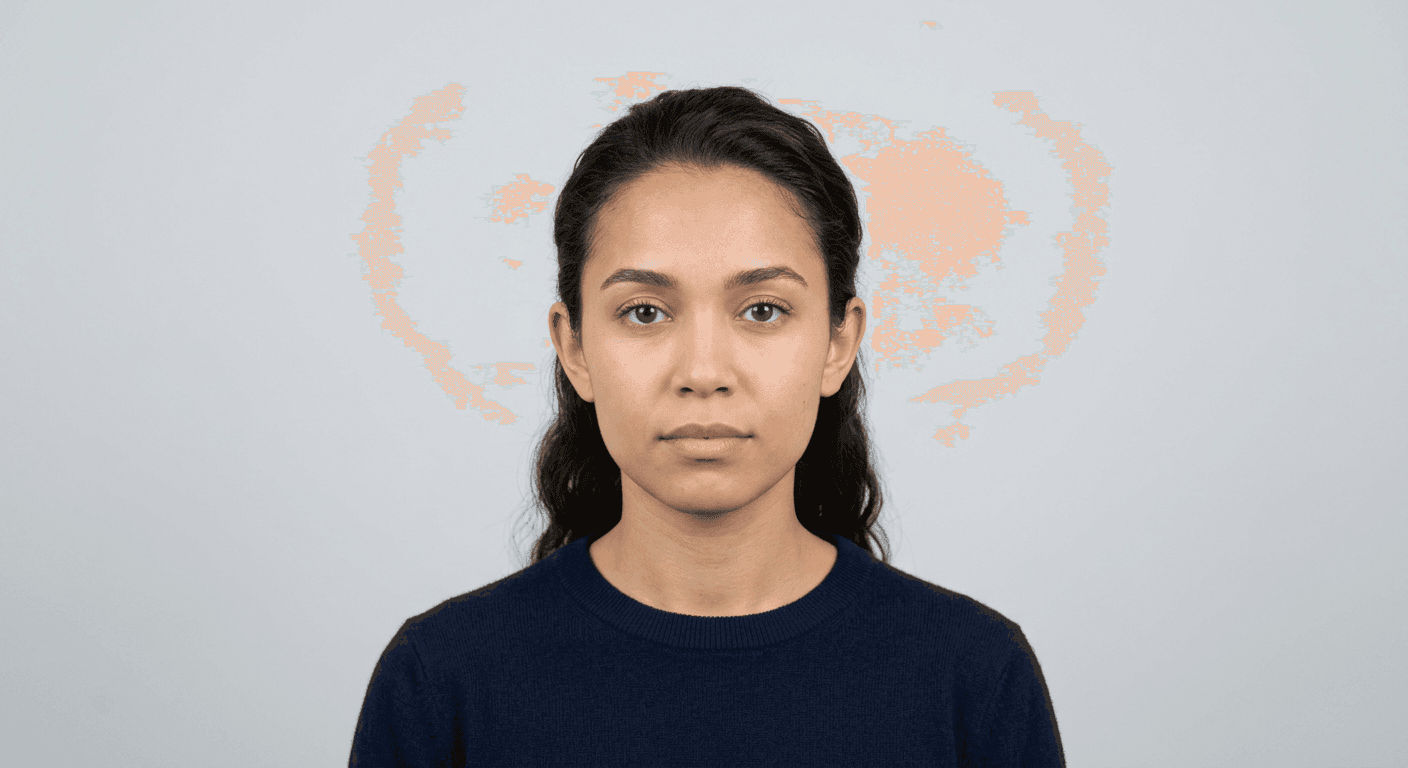
Obtaining an official travel document requires meticulous attention to detail, particularly regarding your identity photograph. Navigating the specific Ireland passport photo requirements is essential to ensure your application is not delayed or rejected by the Passport Service. Whether you are applying for a new passport or renewing an existing one, providing a high-quality, compliant image is the first critical step in the process.

Quick Summary
This guide outlines the strict standards for an Irish passport photo, ensuring compliance with biometric facial recognition systems. Successful applications depend on proper lighting, a neutral background, and adherence to specific dimensions and posture rules to avoid processing delays.
- Ensure a plain, light-coloured background.
- Maintain a neutral expression with eyes fully visible.
- Use high-resolution digital files without filters.
- Adhere to exact head-to-chin ratio measurements.
Table of Contents
- Ireland Passport Photo Requirements
- Technical Specifications for Irish Passport Photos
- Capturing the Perfect Image
- Common Pitfalls and Troubleshooting
- Frequently Asked Questions
- Recommended Reads
Ireland Passport Photo Requirements
The Irish passport photo must strictly adhere to International Civil Aviation Organisation (ICAO) standards. These regulations exist to ensure that biometric facial recognition software can accurately match the image to the applicant. The primary objective is to capture an undistorted, clear representation of your face in a controlled environment.
When preparing your submission, you must provide a recent photograph - typically taken within the last six months - to ensure it reflects your current appearance. Using an outdated photograph, or one that has been digitally altered, can lead to immediate rejection. Always consult the official privacy policy and guidelines provided by the relevant authorities to ensure you remain fully informed throughout your application journey.
Technical Specifications for Irish Passport Photos
To be considered valid, your photo must meet precise physical or digital specifications. For printed applications, the photo should measure 35mm in width by 45mm in height. If you are uploading a digital image for an online application, the file must be of high resolution, typically at least 715 pixels by 950 pixels, and free from compression artefacts that might obscure facial features.
Pro Tip: When cropping your image, ensure the distance from the top of your head to your chin occupies approximately 70% to 80% of the total vertical height. Precise framing is the most common reason for digital validation errors.
Lighting must be uniform, with no shadows cast across the face or onto the background. The background itself should be plain white or light grey, ensuring there is sufficient contrast between your head and the backdrop. Avoid wearing reflective clothing or accessories that could cause glare, and ensure that your hair is not obscuring your eyes or eyebrows.
Capturing the Perfect Image
Capturing a compliant image at home is achievable with a high-quality smartphone camera, provided you control your environment. First, position yourself approximately 1.5 to 2 metres from the camera lens to avoid the distortion effect that can occur when a camera is held too close to the face, often resulting in a wider-looking nose or enlarged features.
- Find a location with natural, indirect light, such as facing a window during the day, to avoid harsh artificial glare.
- Ensure your posture is straight, with your shoulders squared to the camera and your head looking directly forward.
- Maintain a neutral expression; your mouth must be closed, and your eyes must be open and clearly visible without obstruction from hair or glasses.
- Avoid head coverings unless worn for religious or medical reasons, in which case the full facial features must still be visible from the chin to the forehead.
- Review the resulting image for any shadows or 'red-eye' effects, which are strictly prohibited under biometric guidelines.
For further clarity on specific application scenarios, you can visit the guide section for detailed walkthroughs on formatting your images correctly. By following these steps consistently, you significantly reduce the risk of your application being held up during the verification process.
Common Pitfalls and Troubleshooting
One of the most frequent errors is the presence of shadows behind the head or on the face. If you find your lighting is uneven, move slightly further away from the wall behind you. Shadows are often the primary cause of rejection, as they can interfere with the contrast required for the automated scanning systems. Always check the terms of the application service you are using if you are employing third-party tools to help with your digital files.
Another common mistake is the use of image filters. Modern smartphones often apply 'beautification' settings by default, which can smooth out skin texture or adjust features. These must be disabled entirely. The goal is a raw, authentic image. If you are struggling with the digital dimensions, ensure your software is configured to the correct aspect ratio before you proceed with final submission.
Frequently Asked Questions
Can I wear glasses in my Irish passport photo?
It is strongly advised to avoid wearing glasses. If they are necessary, the frames must not cover any part of your eyes, and there must be absolutely no glare on the lenses. Most applicants find it easier to remove them entirely to guarantee compliance.
Does the photo need to be signed?
For physical paper applications, the back of one of your photos usually needs to be signed by a witness. However, if you are applying via the online service, a physical signature on the photo is not required, as the process is handled digitally.
What should I do if my photo is rejected?
If you receive a notification that your photo is non-compliant, you will usually be asked to provide a new image that addresses the specific feedback provided by the Passport Service. Ensure you adjust the lighting or framing accordingly.
Can I use a selfie taken with my phone?
Yes, provided you follow the strict guidelines regarding distance, lighting, and background. It is often better to have someone else take the photo for you to ensure the camera is at eye level and correctly aligned.