A Comprehensive Guide to Countersigning Passport Photo Documents in 2026
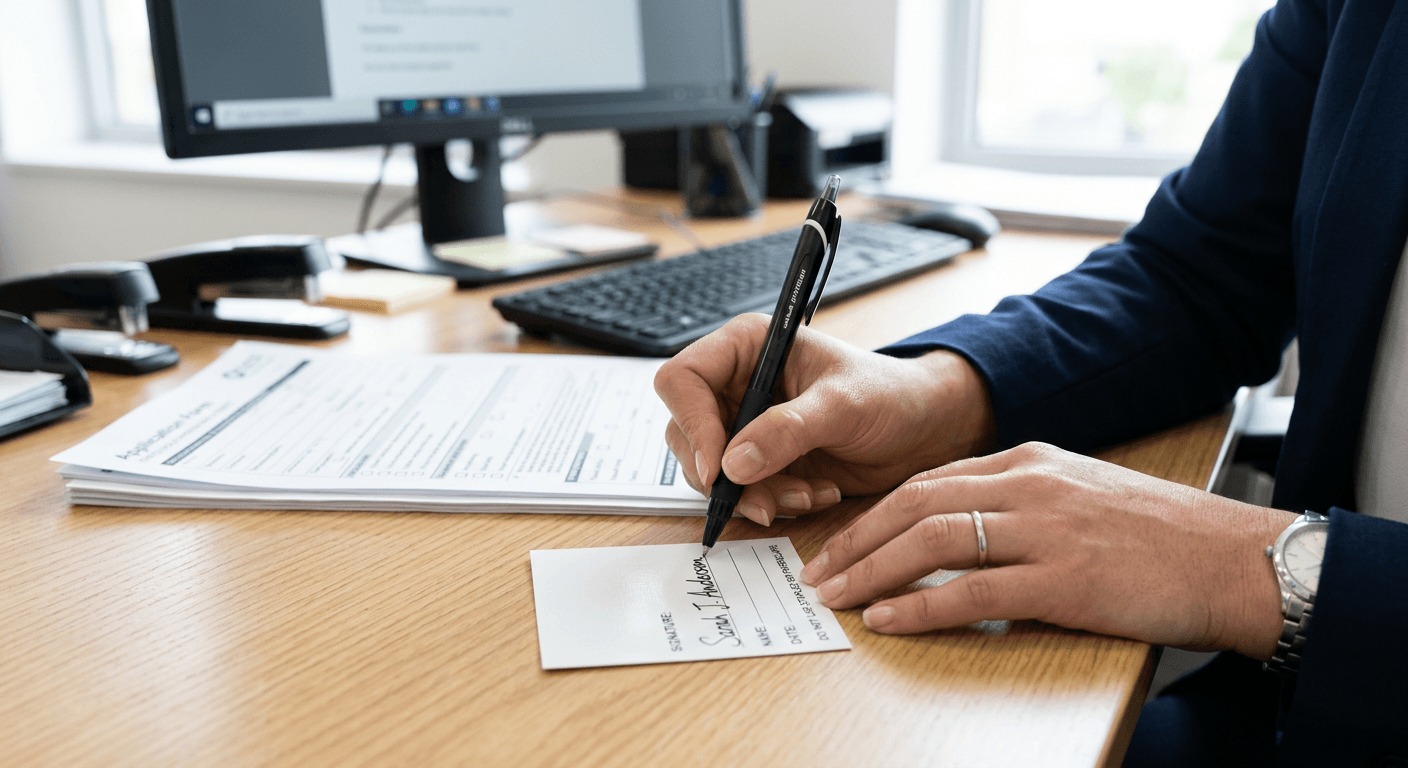
Capturing a valid image is only one part of the passport application process; for many, the requirement for a countersignature introduces a layer of administrative complexity. When you are tasked with countersigning passport photo documentation, you are essentially acting as a guarantor of identity. This process requires precise adherence to official standards to ensure your validation is accepted by government authorities without delay.

Quick Summary
Countersigning a passport photo involves confirming the identity of an applicant and verifying that a provided photograph is a true likeness. It requires a professional or person of standing to sign the back of the photo and the application form, ensuring that all government-mandated criteria regarding character and personal acquaintance are met.
- Eligibility: The countersignatory must hold a valid passport and possess a professional standing.
- Verification: You must confirm the applicant's identity and the photo's accuracy.
- Compliance: Signature placement and ink colour must adhere strictly to official guidelines.
- Integrity: Any false declaration constitutes a serious legal offence.
Table of Contents
- Understanding the Role of a Countersignatory
- Eligibility Criteria for Countersigning
- Step-by-Step Process for Countersigning Passport Photos
- Common Pitfalls and Troubleshooting
- Frequently Asked Questions
- Recommended Reads
Understanding the Role of of a Countersignatory
The role of a countersignatory is to provide an independent confirmation that the individual applying for a passport is who they claim to be. This is a formal vetting process, not merely a social courtesy. By signing the documentation, you are asserting that you have known the applicant for a specific duration - typically at least two years - and that you can identify them from the photograph provided.
This verification serves as a critical security measure in the passport issuance workflow. Authorities rely on your professional or personal reputation to mitigate the risk of fraudulent applications. If you are unsure about the legitimacy of an identity or the accuracy of the image, you should direct the applicant to a passport advice line to clarify their specific documentation requirements before proceeding with any signature.
Eligibility Criteria for Countersigning
Not every individual is permitted to act as a countersignatory. Government bodies generally mandate that the person must be a professional with a current, valid passport and must be well-acquainted with the applicant. The individual should not be related to the applicant by blood or marriage, nor should they live at the same address, as these factors create a conflict of interest that compromises the independence of the verification.
Furthermore, the countersignatory must be currently working in or retired from a recognised profession. This often includes individuals such as doctors, lawyers, teachers, or civil servants. They are expected to be available for potential contact by the passport office to verify their statement. If a person feels they do not meet these criteria, they should consult a guide on identity verification standards to avoid submitting an invalid application.
Step-by-Step Process for Countersigning Passport Photos
- Verify the photograph: Examine the photo to ensure it is a true likeness of the applicant. It should be recent, clear, and comply with all physical requirements, such as a neutral expression and a plain, light background. If you need clarity on technical standards, review the privacy and compliance policies regarding biometrics.
- Sign the photograph: Write the required statement, such as "I certify that this is a true likeness of [Applicant's Name]," on the back of the photo. Ensure you use black ink, as many automated systems are calibrated to detect this specific colour for image processing.
- Complete the declaration: Fill in the relevant section of the paper application form or the digital verification request. This includes your own passport number and personal contact details, which the authorities may use to perform background checks.
- Date the signature: Always include the date of signing. An undated signature is a common reason for application rejection.
- Maintain objectivity: Do not sign if you have any doubts about the applicant's identity. If you are unsure about the process, check the terms of service for the relevant passport agency to ensure you are meeting your professional obligations.
Pro Tip: When signing the back of a physical photograph, use a fine-liner black pen to prevent the ink from bleeding through or smudging onto the front of the image, which would render the photo unusable for scanning.
Common Pitfalls and Troubleshooting
One of the most frequent errors is providing a signature that does not match the professional details provided on the form. If your workplace details have changed, or if you have recently renewed your passport, ensure the information you provide matches the current government database records exactly. Errors in contact details often lead to the passport office being unable to reach the signatory, causing unnecessary delays.
Another significant issue involves the quality of the photo itself. If the photo provided for you to countersign does not meet current biometric standards - such as having shadows on the face or an incorrect head-to-chin ratio - you should advise the applicant to obtain a new, digital passport photos compliant image before you sign. Signing a non-compliant photo can lead to the entire application being rejected by the passport office.
Frequently Asked Questions
Can a family member act as my countersignatory? No. The regulations strictly forbid relatives or individuals living at the same address from countersigning, as they cannot provide the required impartial verification of identity.
What if the passport office cannot contact me? If the passport office attempts to reach you for verification and you are unavailable or cannot confirm the details, the application will likely be paused or rejected. Always ensure your contact details on the form are accurate and current.
Does a digital photo require a digital countersignature? Yes. If an applicant is using a digital system, the countersignatory is usually emailed a link to verify the applicant's identity online. You must follow the instructions provided in that email carefully to ensure the verification is logged correctly.
What happens if I make a mistake on the back of the photo? Do not attempt to cross out or white-out the mistake. A marked or defaced photograph will be rejected. You must request that the applicant provides a fresh photograph for you to sign correctly.