Best tools to get your passport online in 2026 for perfect compliance
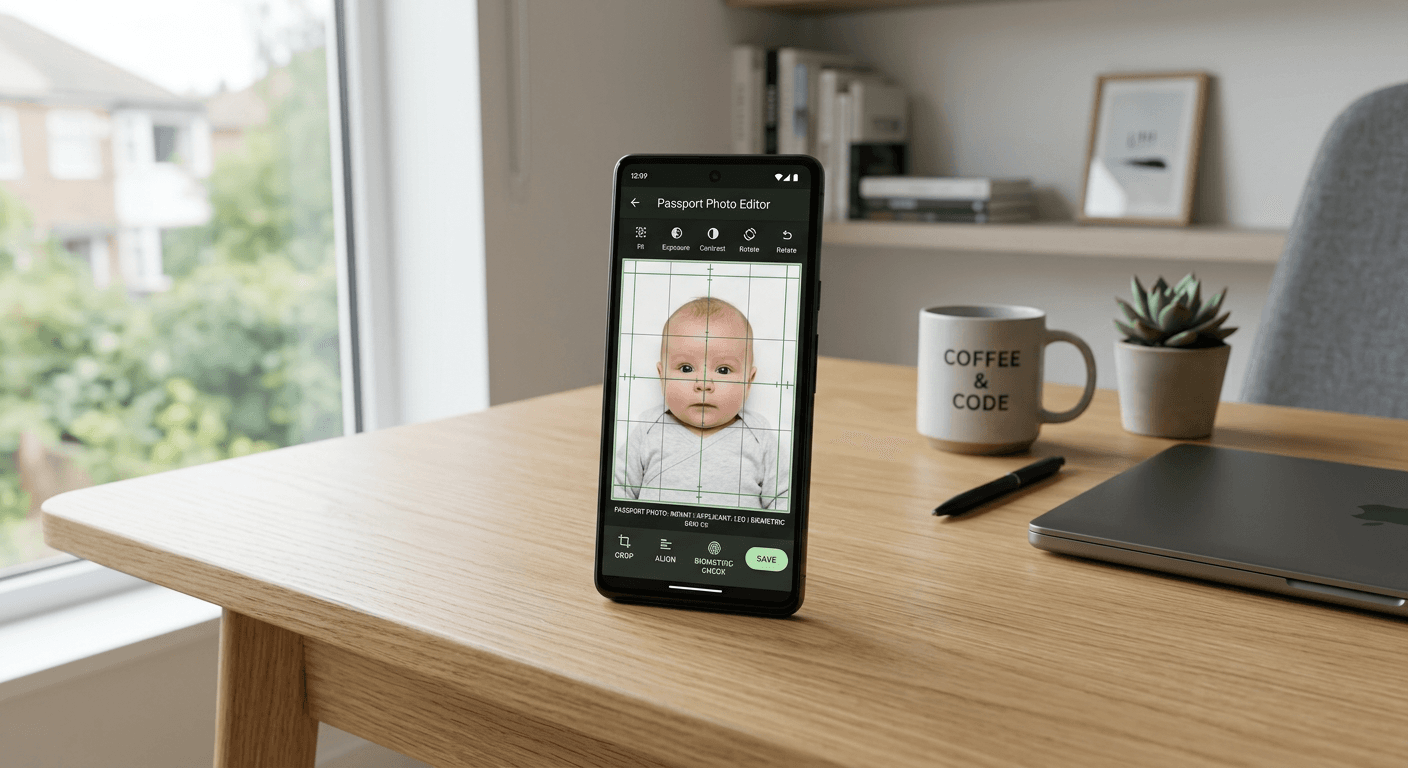
Applying for official travel documents often centres on the quality of the submitted images, which must meet stringent biometric standards. Navigating the requirements to get your passport online requires more than just a camera; it demands precise geometry, shadow-free lighting, and specific digital file formatting to ensure the application is not rejected by authorities. As government portals become more rigorous in their digital checks, selecting the right utility to process your images has become a critical step in the application workflow.

Quick Summary
This article reviews the most effective digital tools for preparing compliant travel documents, ensuring your photos meet international biometric standards before submission. These platforms automate complex technical requirements like background removal, cropping, and resolution scaling, significantly reducing the risk of application delays or rejections for travellers globally.
- Automated background removal ensures compliance with solid, light-coloured backdrop requirements.
- Biometric verification tools catch common errors such as head tilt or poor lighting.
- Print-ready templates allow for affordable printing at standard retail kiosks.
- Automated resizing ensures files meet the exact pixel dimensions required by passport offices.
Table of Contents
- Comparison of Digital Passport Photo Services
- AI-Driven Automated Processing Platforms
- Retail-Linked Mobile Applications
- Government-Integrated Online Portals
- Manual Image Manipulation Software
- Buying Guide: How to Choose the Right Tool
- Frequently Asked Questions
- Recommended Reads
Comparison of Digital Passport Photo Services
| Category | Key Features | Pros | Cons | Audience |
|---|---|---|---|---|
| AI-Automated Platforms | Background removal, biometric checks | High accuracy, fast results | Subscription or fee required | Families with infants, busy travellers |
| Retail-Linked Apps | Direct printing at stores | Convenient pick-up options | Limited to specific retailer hardware | Local shoppers |
| Manual Tools | Custom pixel editing | Full control, usually free | High risk of non-compliance | Professionals/photographers |
| Gov-integrated Portals | Seamless upload | Verified compliance | Restricted to specific regions | Direct government applicants |
AI-Driven Automated Processing Platforms
These platforms represent the modern standard for those looking to get your passport online with minimal effort. They utilise proprietary algorithms to perform background removal and biometric validation against established governmental criteria. By assessing over 20 points of failure, such as resolution, shadowing on the face, and correct head-to-chin ratios, these tools effectively mitigate the risk of rejection. If you are interested in the technical nuances of these systems, you can consult this comprehensive guide to understand the requirements better.
Pros
- Extremely high success rates due to automated compliance checking.
- User-friendly interfaces designed for non-technical users.
- Quick turnaround times, often under 60 seconds.
Cons
- Generally require a service fee for the final digital file.
- May be overkill for those who only need simple cropping.
Retail-Linked Mobile Applications
Mobile applications tethered to major retail chains allow users to take a photo at home and prepare it for instant printing at high-street kiosks. These apps are specifically configured to output files that fit the exact aspect ratio of print-ready templates available at printing shops. This approach is highly effective for those who require physical copies to accompany a paper-based application or for specific visa requirements that still mandate traditional photo formats.
Pros
- Enables low-cost printing at local kiosks (often only 10-15 pence).
- Simplifies the workflow from digital file to physical document.
- Integrated with familiar retail infrastructure.
Cons
- Dependent on the availability and maintenance of physical printing kiosks.
- Limited support for niche international visa standards.
Government-Integrated Online Portals
Some national passport offices provide their own integrated platforms or approved third-party portals. These ensure that the photo you generate adheres strictly to the latest local legislation, including specific metadata tags that some automated systems require for verification. While these tools offer the highest level of trust regarding compliance, they are often limited to specific countries or types of applications.
Pros
- Guaranteed adherence to current government biometric standards.
- Direct integration reduces the risk of file corruption or format mismatch.
Cons
- Often limited geographic availability.
- Usually lack the advanced editing features required for challenging photos, such as those of infants.
Manual Image Manipulation Software
For users with advanced photography skills, manual software remains a viable option to create a passport photo online free of charge. This involves using professional-grade image editing tools to manually crop the image, remove the background, and adjust the brightness to meet the strict 2:3 or 1:1 aspect ratios required by various countries. While cost-effective, it places the entire burden of compliance on the user. If you find your photos are frequently rejected despite your best efforts, you might need to review your current privacy policies and security standards to ensure your digital workflow is safe.
Pros
- No financial cost for the software tools.
- Total control over every pixel and aspect of the final image.
Cons
- Significant learning curve and high risk of non-compliance.
- No recourse or guarantee if the government rejects the submission.
Buying Guide: How to Choose the Right Tool
When choosing a service to prepare your biometric images, consider the reliability of the validation logic. A service that simply crops an image is not equivalent to one that performs a biometric check. Look for platforms that explicitly mention "biometric validation" or "compliance checking" against government standards, as this is the primary feature that saves you from the frustration of a rejected application.
Consider the flexibility of the delivery format. The best services provide both a digital file for online applications and a print-ready 4x6 inch template. This dual-purpose utility is invaluable if you are navigating a complex visa process where both digital upload and physical copies might be requested at different stages. Before making a final decision, always read the terms of service to understand what guarantees exist if your photo is not accepted by the relevant authorities.
Frequently Asked Questions
Can I really get a compliant passport photo using just a smartphone? Yes, provided you use an application that understands the specific biometric requirements of your country. Proper lighting and a neutral, uncluttered background are the most critical factors you control.
Are there any downsides to using an online passport app? The main risk is using an app that lacks proper biometric validation. Always ensure the tool you choose checks for things like shadows, head tilt, and resolution before you finalize the download.
What if my photo is rejected by the passport office? Always seek a provider that offers a guarantee. If your application is rejected due to a technical error in the photo formatting, a reputable service will allow you to correct and re-download the image at no extra cost or offer a refund.