Free Online Tools for Passport Photo Makers
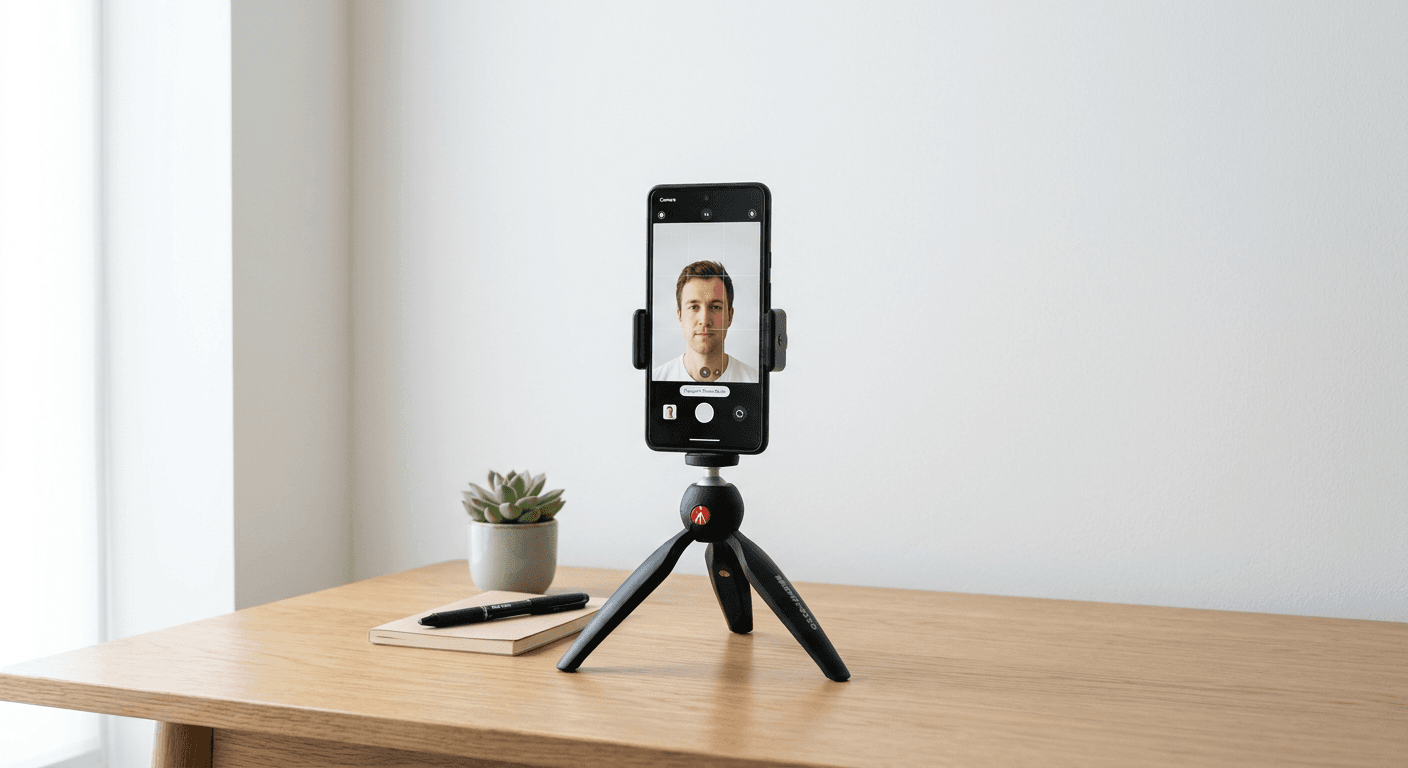
Dragging yourself to a pharmacy or a post office just to pay a small fortune for a mediocre passport photo feels like a relic of the past. If you ask me, we have better things to do with our Saturday afternoons. Fortunately, finding a reliable passport photo online free service is easier than ever, provided you know where to look and, more importantly, how to avoid the pitfalls of bad lighting and skewed dimensions.

Quick Summary
A free passport photo maker is a web-based tool that allows users to capture, crop, and format images to meet strict government biometric standards without professional photography fees. These tools provide templates for various document sizes, ensuring compliance with international regulations while maintaining convenience through simple, browser-based image processing workflows.
- Instant compliance checking for government regulations.
- Significant cost savings compared to physical photo booths.
- Flexible cropping tools for perfect head-size positioning.
- High-resolution exports suitable for printing at home.
Table of Contents
- Quick Summary
- How to Choose a Passport Photo Online Free Service
- The Best Features of an Online Passport Photo Maker
- Tips for Using a Passport Size Photo Online Free Tool
- FAQ
- Recommended Reads
How to Choose a Passport Photo Online Free Service
Not all web tools are created equal. Some are bloated with ads, while others require a degree in rocket science just to align your eyes within the mandatory box. When searching for a passport photo online free option, focus on sites that don't force you into a subscription loop. A good tool should prioritize your privacy; check out the privacy policy of a reputable site to ensure your biometric data isn't being harvested for advertising.
Security and Usability
Transparency matters. If a site hides its terms or makes it impossible to find a contact page for support, run the other way. You want a service that offers clear guidance on how to get the perfect shot. Honestly, I believe that if a company isn't willing to explain its process, you shouldn't trust it with your identity document files.
The Best Features of an Online Passport Photo Maker
What actually makes a maker good? It’s all about the automation. You need a system that detects face position automatically. If you have to manually drag a square around your face, you’re doing it wrong. A high-quality online passport photo maker will often include background removal as a standard feature, which is a total game changer for those of us with messy living rooms.
Standardizing Your Image
- Automatic resizing to specific country requirements.
- Brightness and contrast adjustment tools.
- Instant file conversion to JPEG or PNG formats.
- Preview modes to see how the final print will look.
Tips for Using a Passport Size Photo Online Free Tool
Listen, your photo is only as good as the source material. Even the most advanced software can't fix a blurry photo taken in a dark basement. Start by finding a blank white wall. Natural lighting is your best friend here, so face a window. Avoid shadows on your face like the plague. If you're feeling lost, refer to a professional online guide to understand exactly where your head should sit in the frame.
- Remove your glasses to avoid reflections.
- Keep a neutral facial expression.
- Ensure your shoulders are square to the camera.
- Check for stray hairs that might obscure your features.
Sounds simple, right? It really is, once you get the lighting sorted. Don't stress if it takes a few tries. Most people don't get the perfect shot on the first go, but that is the beauty of digital tools - you have infinite attempts without the embarrassment of a clerk judging your pose.
FAQ
Can I really get a compliant photo for free?
Yes, provided the tool you choose is actually free and doesn't sneak in paywalls at the final download stage. Always check the terms first.
Do I need a professional camera?
Not at all. Modern smartphone cameras are more than capable of capturing the necessary resolution for a passport application.
How do I print the resulting files?
Most tools allow you to download a standard 4x6 inch print sheet. You can send this to any local print shop or use your home printer with glossy photo paper.