How to Calibrate the Exact Ireland Passport Photo Size for Visa Applications
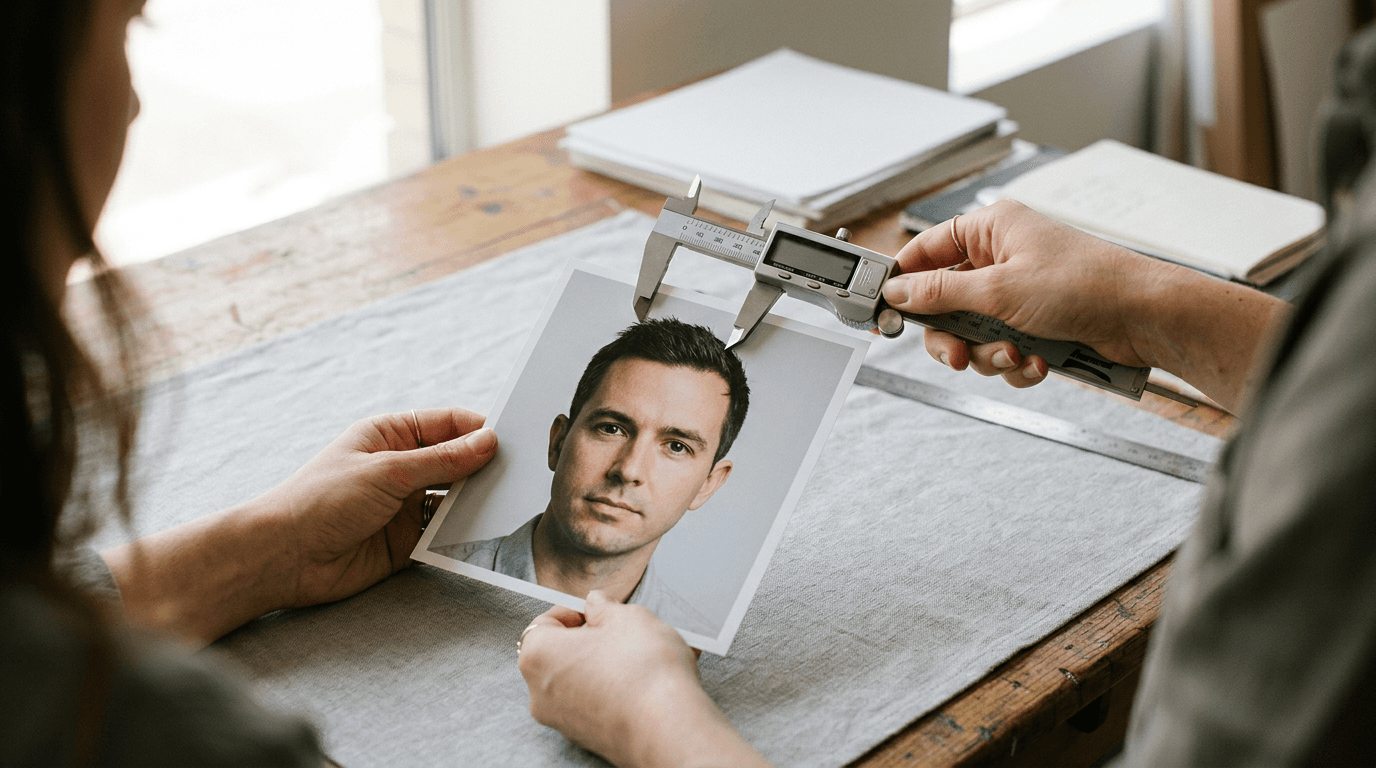
A frequent point of failure for international travellers is the assumption that any standard European portrait will suffice for an Irish application. In reality, the Irish Naturalisation and Immigration Service (INIS) uses highly sensitive automated facial recognition software to verify biometric data. If your submission fails to meet the exact ireland passport photo size or lighting constraints, the scanning algorithm rejects the file instantly, halting the entire application. Biometric verification does not tolerate approximation; even a shadow behind the ear or a fraction of a millimetre in incorrect head scaling will trigger an automatic failure.
Quick Summary
Generating a compliant Irish visa photograph requires strict adherence to biometric geometry, specific lighting conditions, and precise digital output formatting.
- The absolute image dimensions must fall between 35x45mm and 38x50mm.
- The subject's head must measure precisely 32mm to 36mm from the chin to the crown.
- Backgrounds must be entirely plain and coloured light grey, white, or cream without any texture.
- Infants under one year are exempt from the open-eye rule, but all adults must maintain a perfectly neutral expression.
Table of Contents
- 1. Sizing the Image for Biometric Scanners
- 2. Controlling the Lighting and Background Environment
- 3. Managing Expression and Pose for Infants and Adults
- 4. Capturing the Image with High-Resolution Devices
- 5. Processing Imagery for Government Compliance
- 6. Formatting Files for Digital and Physical Submission
- Common Pitfalls & Troubleshooting
- FAQ
- Recommended Reads
1. Sizing the Image for Biometric Scanners
Precision scaling dictates biometric approval
Understanding the mechanics of the ireland passport photo size is the foundational step of a successful visa application. The Irish authorities require the physical or printed image to measure at least 35mm wide by 45mm high, with a maximum allowance up to 38mm by 50mm. However, the external dimensions are secondary to the internal biometric scaling.
The scanning software relies on specific ratios to measure the inter-pupillary distance (the space between the eyes) and map the facial structure. To facilitate this, the subject's head must occupy the vast majority of the total frame. Specifically, the distance from the bottom of the chin to the crown of the head (where the skull ends, disregarding voluminous hair) must measure exactly between 32mm and 36mm.
Applicants often assume international standards are uniform, but they vary drastically. For instance, the bangladesh passport photo size typically operates on different overall dimensions (often 40x50mm or 45x55mm depending on the exact consular form) with varying head proportions. Applying a crop designed for another jurisdiction to an Irish application guarantees rejection. You must ensure there is a distinct margin of empty space above the head and beside the ears, allowing the government's algorithm to separate the subject from the background entirely.
2. Controlling the Lighting and Background Environment

Shadows mask the facial boundaries
Biometric scanners define the shape of a face by reading the contrast between the subject and the space behind them. The Irish Naturalisation and Immigration Service mandates a background that is plain light grey, white, or cream. There can be no patterns, no visible fabric weaves, and absolutely no other objects or people in the frame.
Lighting mechanics are where most amateur setups fail. If a light source comes from an angle, it casts a shadow from the nose onto the cheek, or from the subject's body onto the background wall. The scanning software interprets these shadows as physical boundaries, mutating the mapped shape of the face and triggering an immediate rejection.
Practical rule: Position the subject facing a large window with indirect daylight, ensuring the light hits both sides of the face evenly, and place them at least half a metre away from the background wall to prevent cast shadows.
Photographing infants introduces severe lighting challenges, as they cannot sit up independently. To capture a baby securely while maintaining the correct background, lay them flat on a perfectly smooth white or light grey bedsheet on the floor. Stand directly above them to shoot downwards, ensuring your own body does not cast a shadow over their face during the exposure.
3. Managing Expression and Pose for Infants and Adults
Muscular tension disrupts facial geometry
The requirement for a neutral expression exists because facial movement alters bone positioning. Smiling raises the cheekbones, narrows the visible aperture of the eyes, and stretches the lips, which breaks the baseline inter-pupillary and chin-to-nose measurements the software expects. The mouth must be completely closed, the eyes fully open and clearly visible, and the gaze directed straight into the camera lens.
Different countries prioritise different markers. While the polish passport photo requirements dictate extremely strict ear visibility and precise shoulder alignment for all applicants including minors, the Irish system offers specific concessions for infants. Crucially, Irish regulations recognise that controlling a newborn's facial muscles is impossible. For babies under one year of age, the eyes do not need to be open.
However, the structural pose remains strictly enforced. The infant's head must face directly forward without tilting, and they cannot be holding a dummy (pacifier). Furthermore, if a parent's hand is used to support the baby's head, even a visible fingertip on the shoulder or behind the ear will instantly void the submission.
4. Capturing the Image with High-Resolution Devices
Wide-angle smartphone lenses distort cranial proportions
Modern smartphones are highly capable tools for biometric photography, but their default hardware configurations require careful management. The primary lens on a standard smartphone is a wide-angle lens (typically a 24mm to 28mm equivalent). If you hold the camera close to the subject's face to fill the frame, this focal length induces severe perspective distortion.
Perspective distortion creates a "fisheye" effect: objects closer to the lens (the nose and forehead) appear artificially enlarged, while objects further away (the ears and jawline) recede and shrink. Biometric software flags this unnatural disproportion immediately.
To correct this mechanical limitation, the photographer must step back. Position the camera at least 1.5 to 2 metres away from the subject, keeping the lens perfectly level with the subject's eyes. From this distance, use the smartphone's optical zoom (the 2x or 3x telephoto lens setting) to frame the upper torso and head. This longer focal length flattens the perspective, rendering the facial features in true, mathematically accurate proportion. If you lack a compliant backdrop or lighting setup at home, utilizing an automated digital passport photo service can help standardise the final digital asset by separating the accurately proportioned face from a flawed background.
5. Processing Imagery for Government Compliance
Manual cropping fails algorithmic consistency checks
Once raw imagery is captured, it must be processed into a compliant file. Attempting to manually crop a picture using standard smartphone editing tools is a primary cause for rejection. Human eyes cannot accurately judge if a head measures exactly 34mm on a digital canvas, nor can they measure whether the head tilt is exactly zero degrees on the vertical axis.
Compliance requires verifying over twenty distinct biometric markers. These include checking for red-eye reduction (which cannot be corrected via software painting), assessing contrast levels to ensure the skin tone is rendered naturally, and confirming the background pixel values remain uniformly light grey or white.
Instead of guessing, applicants should refer to definitive international passport and visa photo guidelines before adjusting any digital parameters. Professional processing systems evaluate the image using the same algorithms the government employs, mapping the exact coordinates of the chin, eyes, and crown to ensure the scaling hits the mandatory proportion thresholds. Furthermore, choosing platforms that offer clear, full refund policies for rejected photos ensures you are insulated from the cost of algorithmic failures during the final application stage.
6. Formatting Files for Digital and Physical Submission
Kiosk software rescales uncalibrated print dimensions
The final hurdle is delivering the processed image in the format required by your specific visa application route. For online submissions, the Irish government requires a high-quality JPEG file. It must not be heavily compressed, as compression artefacts degrade the clarity of the irises and facial contours. The digital file must maintain a high resolution (typically a minimum of 300 DPI) while remaining under the government's maximum megabyte file size limit.
If your visa application requires a physical print, printing a single 35x45mm image directly at a commercial photo lab is highly problematic. Retail photo kiosks are programmed to automatically stretch, crop, and apply "borderless" scaling to standard photographs. If you submit a digital file containing just the passport photo, the kiosk will expand it to fill a 4x6 inch piece of paper, completely ruining the biometric measurements.
The proven method is to use a 4x6 inch digital template. By laying out multiple copies of the precisely measured 35x45mm image onto a standard 4x6 inch digital canvas, you can send it to any standard printer. You then ask for a standard 4x6 print without any auto-correction or scaling applied. Reading technical support documentation can guide you through generating these composite print templates safely.
Common Pitfalls & Troubleshooting
Diagnosing biometric failures correctly prevents endless cycles of resubmission. When an Irish visa application pauses due to imagery issues, it is rarely due to the camera's megapixel count; it is almost always a mechanical oversight in the setup.
- Symptom: The software rejects the image for a "facial mapping error" or "incorrect proportions".
- Real cause (Most often): Wide-angle lens distortion. The photo was taken too close to the subject's face, artificially enlarging the nose and invalidating the inter-pupillary measurements.
- Fix: Discard the photo. Move the camera back to a distance of 1.5 to 2 metres, switch to the optical telephoto lens (2x or 3x zoom), and capture the image again at eye level.
- Symptom: The image is flagged for "background obstruction" despite the subject standing against a completely blank, white wall.
- Cause: Drop shadows cast by the subject's head or shoulders onto the wall behind them.
- Fix: Move the subject at least 50 centimetres forward away from the wall. Ensure the main light source is in front of the subject, allowing any cast shadows to fall on the floor behind them rather than on the visible backdrop.
- Symptom: A physical print is rejected for incorrect dimensions, even though the digital source file was measured perfectly on a computer.
- Cause: The commercial printing kiosk automatically applied a "fit to page" or borderless scaling adjustment, stretching the file slightly.
- Fix: Create a 4x6 inch digital canvas with the smaller images placed upon it. Print this canvas explicitly at 100% scale with all automatic kiosk corrections turned off.
- Symptom: An infant's photograph is rejected for "unnatural expression" or "obstruction".
- Cause: A parent is visible supporting the baby's head, or the baby is visibly crying, which distorts their facial muscles.
- Fix: Lay the infant flat on their back on a plain white sheet. Wait until they are entirely calm and their mouth naturally closes before taking the shot from directly above.
FAQ
Can I use a photograph with my baby's eyes closed? Yes, the Irish Naturalisation and Immigration Service provides an exception for infants under one year of age. If they are asleep or resting with their eyes closed, the photograph remains completely compliant for visa processing.
Does the Irish visa application system accept digital photo uploads? Yes, many Irish visa categories and online renewals now mandate digital uploads. Ensure the file is a high-resolution JPEG, uncompressed, and adheres strictly to the digital crop ratios required by the portal.
Can I wear makeup in my Irish visa photo? Subtle, everyday makeup is permitted, provided it does not significantly alter your baseline skin tone or obscure your facial features. Contouring that artificially changes the shape of your cheeks or jawline will cause the biometric scan to fail.
Are glasses permitted in biometric visa photographs? While technically permitted if the frames do not obscure the eyes and there is absolutely no specular glare on the lenses, it is highly recommended to remove them. Minor reflections or frame shadows frequently trigger automatic rejections.