How to create a passport size photo online free versus paid tools 2026
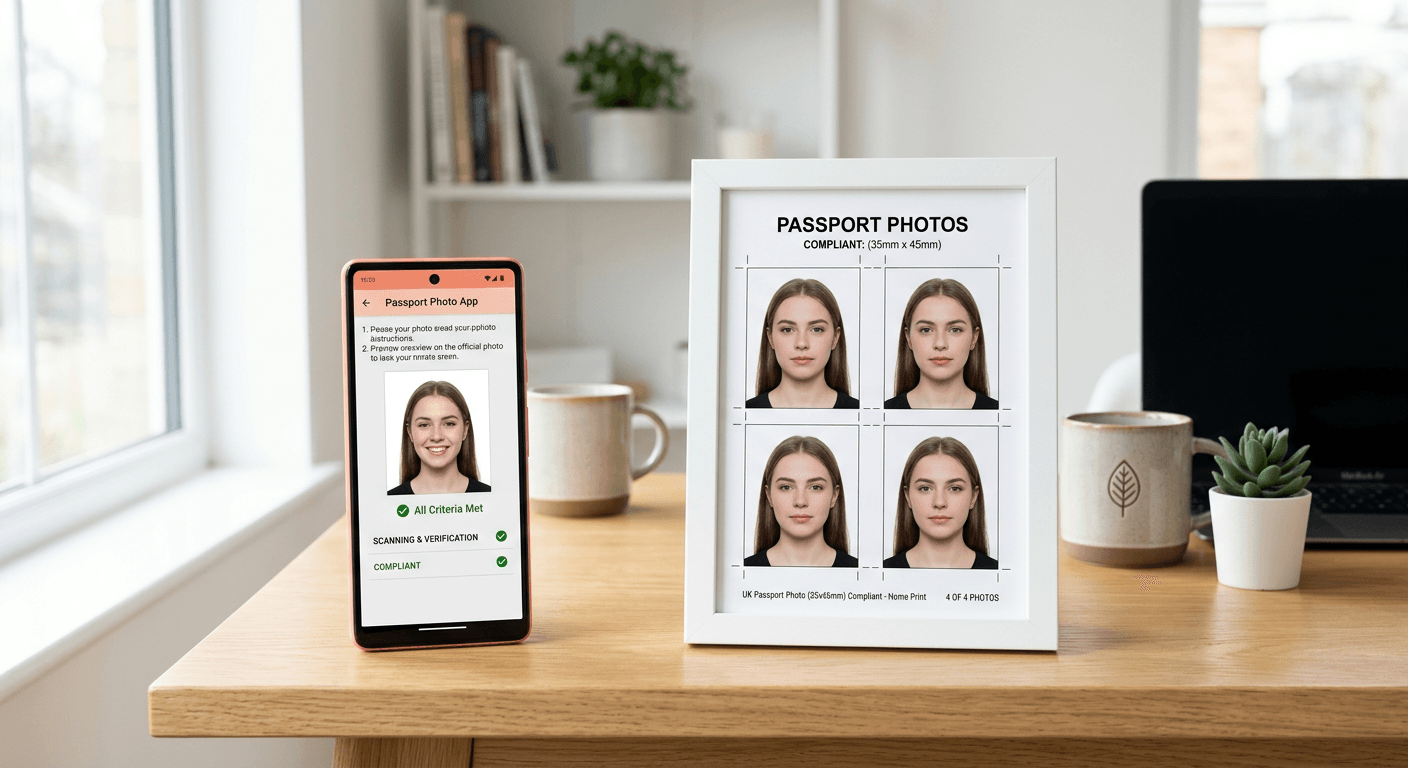
Capturing a compliant photograph for official documents has moved away from traditional high street studios to digital platforms that allow users to generate their own images at home. Whether you are looking for a passport size photo online free or considering professional-grade paid software, understanding the technical requirements set by HM Passport Office is essential to avoid rejection. The process requires balancing cost-effectiveness with the strict biometric standards necessary for successful identity verification.

Quick Summary
Creating a passport photo involves selecting tools that can process biometric imagery to meet government standards. While free services offer basic cropping, paid platforms provide advanced AI validation to ensure compliance with lighting, background, and facial expression rules.
- Free tools are suitable for simple resizing but lack advanced compliance checking.
- Paid AI-powered services offer automated background removal and biometric verification.
- Always check official government guidelines regarding head-to-chin ratios.
- Printing at retail kiosks is often more economical than professional studio fees.
Table of Contents
- Quick Summary
- Comparison of Passport Photo Tools
- Free Online Passport Photo Generators
- AI-Driven Paid Passport Photo Services
- Retail Kiosks and Digital Booths
- How to Choose the Right Tool
- FAQ
- Recommended Reads
Comparison of Passport Photo Tools
| Feature | Free Online Generators | Paid AI Services | Retail Kiosks |
|---|---|---|---|
| Compliance Check | Basic / None | Advanced Biometric | Fixed / Manual |
| Cost | Free | Paid | Moderate |
| Ease of Use | High | High | Medium |
| Guarantee | None | Typically Included | Varies |
Free Online Passport Photo Generators
Free tools are widely available for users who need a basic passport size photo online free. These web-based platforms typically allow you to upload a smartphone image, apply a manual crop, and download a digital file formatted for printing. While attractive due to their lack of cost, they often require the user to have a near-perfect photo to begin with.
- Pros: No financial cost; quick to use for simple reformatting; accessible on most devices.
- Cons: No automated background removal; high risk of rejection due to shadow or lighting issues; lack of professional biometric verification.
For those seeking a free uk passport photo, the primary hurdle is ensuring the image meets the specific 35mm x 45mm dimensions without distorting the facial features. Many free tools do not offer guidance on shadows or contrast, which are common grounds for application refusal. Users should consult a comprehensive passport photo guide before attempting to capture their own images to ensure they understand the technical requirements.
AI-Driven Paid Passport Photo Services
Paid services distinguish themselves by automating the complexities of government compliance. These platforms use proprietary AI to perform background removal, ensure the head-to-chin ratio is correct, and check for facial features that might trigger a system alert. By using sophisticated algorithms, these services mitigate the risk of rejection, which is often worth the small investment for important documents.
- Pros: Automated background removal; real-time biometric validation; money-back guarantees often included.
- Cons: Requires a small fee; dependent on internet connectivity for processing.
Reliability is the cornerstone of these services. When using a professional generator, the AI assesses over 20 points of failure, including head tilt and resolution, which are impossible for a human eye to judge accurately on a small screen. If you have questions about whether your specific image meets the criteria, you can review the privacy policy to see how your biometric data is handled securely during the processing phase.
Retail Kiosks and Digital Booths
Retail kiosks provide a middle-ground solution. These booths are designed specifically for document photography and usually feature a controlled environment, meaning you do not have to worry about the background or lighting quality as much as you would at home. While they are not technically a 'free passport photo' option, they are often located conveniently in high street shops.
- Pros: Controlled lighting and background; physical print-out provided instantly.
- Cons: Less flexible than home digital tools; requires travel to a specific location.
If you find that the digital process is not suitable for your needs, checking the terms of service for various providers can help you understand your rights if a photo is rejected. For complex cases, such as infant photography, some parents prefer the convenience of home-based AI tools over the struggle of keeping a child still in a public booth.
How to Choose the Right Tool
Selecting between a free passport photo online and a paid service comes down to your risk tolerance and the urgency of your application. If you have time to resubmit your application should a photo be rejected, a free tool may suffice. However, if the application is for a visa or time-sensitive travel, the cost of a professional AI tool is often an insurance policy against delays.
Before you start, evaluate the quality of your source photo. Ensure your subject is standing against a plain, light-coloured wall with no shadows behind them. If you encounter any technical difficulties during the generation process, it is often best to consult the help centre for specific advice on how to frame the shot correctly. Remember that official authorities are rigorous; even minor errors in lighting can lead to an immediate rejection of your application.
FAQ
- Can I use a phone camera for a UK passport photo? Yes, modern smartphones produce sufficient resolution, provided you follow official guidelines regarding lighting and composition.
- Are free online passport photo generators safe? Reputable platforms will have clear policies regarding data handling. Always check the privacy policy before uploading personal images.
- What happens if my photo is rejected? If you use a paid service with a guarantee, you may be eligible for a refund or a free re-edit. Free tools typically offer no recourse.
- What is the most common reason for rejection? Incorrect lighting, shadows on the face, or an improper head-to-chin ratio are the most frequent causes of passport photo rejection.