How to Format an EU Passport Size Photo for Infant Visa Applications
You have finally secured a Schengen visa appointment for your family, gathered the stack of required birth certificates, and suddenly realise the consulate requires a biometric photo of your six-month-old. Standard photo booths cannot accommodate an infant who cannot sit up unassisted, and high-street studios often charge a steep premium for the extra time a baby requires. Getting an eu passport size photo right at home means understanding strict international biometric standards that were designed for adults, not wriggling babies. When a smartphone image is the only practical option, mastering the lighting, distance, and exact proportions becomes the difference between an approved visa and an automatic rejection at the embassy desk.
Quick Summary
The EU passport and visa photo standard demands a 35x45mm image with the subject's face measuring between 32mm and 36mm from chin to crown. For infants, strict biometric rules dictate a clear background, open eyes, and no visible hands or pacifiers, which routinely causes embassy rejections if neglected.
- Schengen photos require a plain white or light grey background with zero shadow interference.
- The infant's face must occupy a strictly defined, dominant proportion of the total 35x45mm vertical frame.
- Parents' hands and support pillows must never be visible in the final crop.
- Digital files need a high resolution without smartphone portrait-mode blurring or compression artefacts.
Table of Contents
- Why an incorrect eu passport size photo guarantees application rejection
- 1. Eliminate background texture and shadows completely
- 2. Secure flat lighting without causing infant distress
- 3. Position the camera to prevent facial distortion
- 4. Capture an acceptable expression before the infant loses focus
- 5. Size the digital file for specific European consulate portals
- Common Pitfalls & Troubleshooting
- FAQ
- Recommended Reads
Why an incorrect eu passport size photo guarantees application rejection
European Union border agencies do not assess passport photos visually first; they run them through International Civil Aviation Organization (ICAO) compliant software. These algorithms map the structural geometry of the face, identifying the distance between the pupils, the width of the mouth, and the curvature of the jawline. When you submit an eu passport size photo, you are essentially submitting a digital map.
If the background features a slight pattern, the software may fail to isolate the edge of the baby's head. If the lighting drops a heavy shadow across one cheek, the algorithm interprets the dark space as a physical deformity, resulting in an instant failure. Because infants lack the neck control to sit upright in a standard studio chair, parents often attempt to hold them, introducing foreign elements like fingers or fabric into the frame. Understanding how the scanning software interprets these anomalies is the only way to successfully capture a compliant image at home. Opting for a dedicated UK baby passport photo maker can automate the background removal, but the source image must still capture the correct lighting and facial alignment.
1. Eliminate background texture and shadows completely
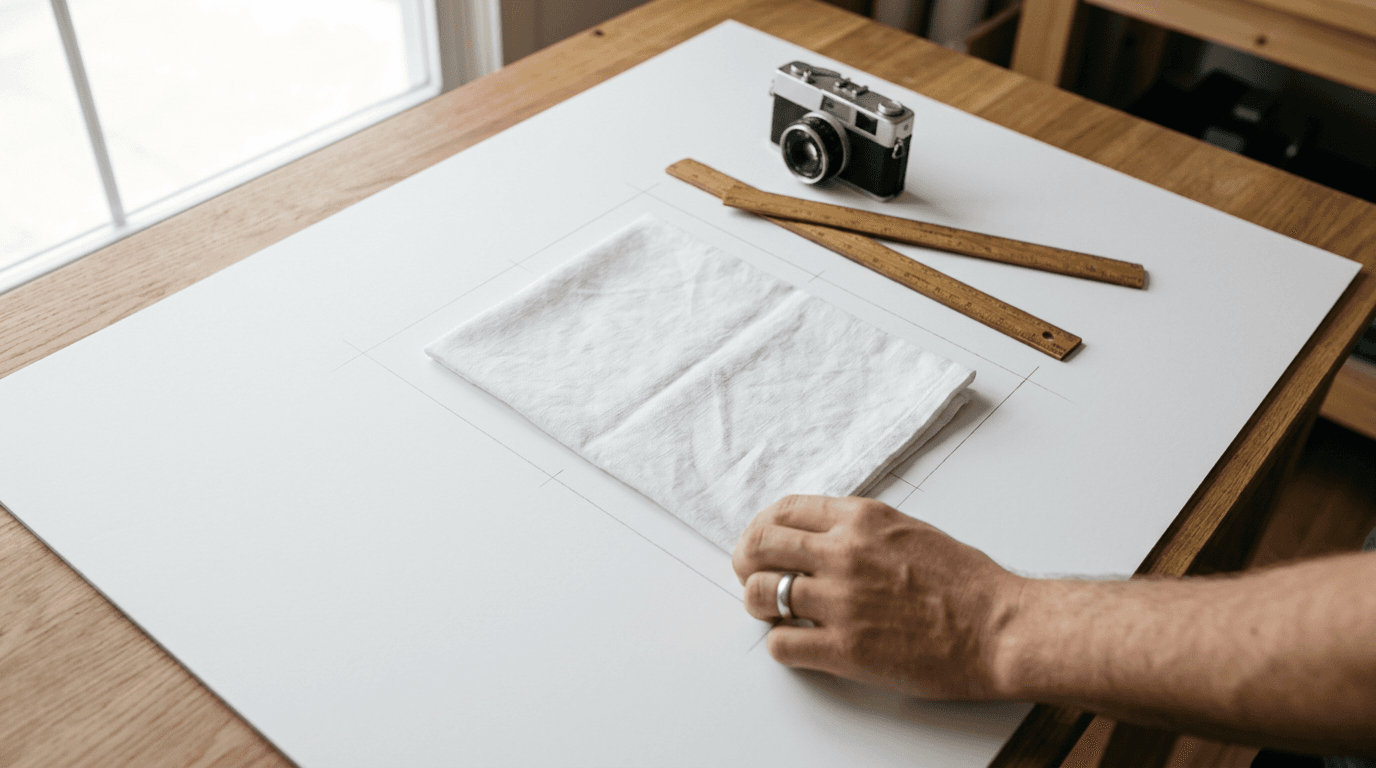
Setting up the environment for an infant photo requires recreating a studio backdrop on a horizontal plane. The Schengen standard explicitly demands a plain white or light grey background without patterns, objects, or secondary people. For a newborn, this means laying them on their back.

The mechanics of this setup require a perfectly smooth, untextured sheet. Standard bed linen often features subtle weaves or wrinkles that catch the light. When scaled down to a printed passport photo, a deep crease behind the baby's head looks like an object in the background. You must stretch the fabric taut over a firm surface, such as a carpeted floor or a firm mattress, ensuring the infant does not sink into the material. Sinking creates a crater effect, casting a circular shadow directly around the ears and neck.
The most frequent mistake parents make here is attempting to prop the baby up with cushions or rolled towels that ultimately creep into the edge of the frame. Even if covered by the white sheet, the bulge of the pillow alters the focal plane and creates depth shadows.
How background creases trigger automatic software rejections
Embassy software uses contrast detection to separate the subject from the background. A deep crease in a white sheet registers as a dark grey line. If that line intersects with the baby's cheek or hair, the software cannot determine where the face ends and the background begins. Always iron the sheet beforehand and tape the edges down to ensure absolute flatness.
2. Secure flat lighting without causing infant distress
Lighting an infant for a biometric photo is a delicate balance between achieving clinical brightness and avoiding ocular distress. The objective is flat, even illumination across the entire face with zero drop shadows under the nose, chin, or behind the head.
To achieve this without studio strobes, you must rely on diffused natural daylight. Position the baby parallel to a large window on an overcast day, or place a sheer white curtain between the glass and the baby if the sun is direct. The light must wash evenly over the face from the top down (towards the top of the baby's head), never from one side, which would leave half the face in shadow.
The catastrophic failure mode here is using a smartphone flash. Firing a direct LED flash into an infant's eyes will cause immediate distress, ensuring they squeeze their eyes shut for the next ten minutes. Worse, direct flash creates harsh, impenetrable black shadows immediately behind the neck and ears, instantly failing the separation requirements for a europe passport size photo.
Why uneven lighting fails Schengen biometric checks
Biometric scanners assess facial depth based on light distribution. If the window light is entirely on the left side of the baby's face, the right side falls into shadow. The algorithm reads this shadow as an asymmetrical facial structure. If you cannot achieve perfectly even window light, use a large piece of white cardboard on the shadow side to bounce the window light back onto the darker half of the face.
3. Position the camera to prevent facial distortion
The distance between the smartphone lens and the infant's face dictates the structural geometry of the final image. Standard smartphone cameras use wide-angle lenses (typically a 24mm to 26mm equivalent focal length). When you push a wide-angle lens close to a subject's face to fill the frame, it creates barrel distortion. The nose appears bulbous, the ears recede, and the biometric map is entirely falsified.

To capture a mathematically accurate european passport photo size, you must step back. Hold the phone exactly parallel to the infant's face, roughly 1.5 metres above them. From this height, use the smartphone's optical zoom (the 2x or 3x camera lens) to close the distance. Do not use digital zoom, which degrades the resolution. Ensure the camera remains perfectly parallel; tilting the phone upward from the baby's chin makes the jaw look artificially large and obscures the ears.
Practical rule: Never use your smartphone's "Portrait Mode" for a biometric photo. The artificial background blur destroys the sharp edge detection required by passport control software, leading to immediate rejection.
The most common error is shooting from an angle rather than directly top-down. If you shoot slightly from the feet looking up, the nostrils dominate the image. If you are unsure about the required scaling parameters, consulting a UK and international baby passport photo guide will clarify the precise millimetre measurements for the final crop.
Nailing the 35x45mm proportion from a smartphone
The final physical image must measure 35mm wide by 45mm high. Within that rectangle, the head must measure between 32mm and 36mm from the bottom of the chin to the top of the head (excluding hair). This leaves a very tight margin of 3-5mm of empty space above the head. Frame your original shot much wider than you think you need, allowing you to crop in to these exact specifications later without losing image quality.
4. Capture an acceptable expression before the infant loses focus
Adults are required to maintain a strictly neutral expression, mouth closed, looking directly into the lens. Infants lack the cognitive ability to follow these instructions. However, the requirement for a front-facing posture and visible eyes remains non-negotiable across the Schengen zone.
The mechanics of getting this shot involve timing and patience. You must catch the baby when they are well-fed, rested, and calm. Stand over them with the camera pre-focused and locked. Shake a small, silent toy directly behind the camera lens to draw their eyeline exactly to the camera module.
The mistake parents make is trying to force the baby's head straight using their hands. A parent's fingers appearing anywhere in the frame - even just supporting the back of the neck - is a strict violation. If the baby's head lolls to the side, use a rolled towel placed underneath the white base sheet to create a shallow, invisible cradle that keeps the head centred.
Where Schengen rules bend for babies under one
For infants under twelve months, the EU exhibits slight leniency regarding the mouth. While older children must have their mouths fully closed, babies are generally permitted to have their mouths slightly parted. However, their eyes must be completely open and clearly visible. Pacifiers (dummies) are strictly forbidden, as they obscure the mouth and jawline entirely.
5. Size the digital file for specific European consulate portals
While the physical dimensions of the Schengen photo are standardised at 35x45mm, the digital requirements vary wildly depending on the specific embassy portal you are uploading to. The system used by one country will often reject a file perfectly formatted for another.
When preparing the file, you must check the consulate's specific portal limits. For example, the digital passport photo size germany demands for its VIDEX application system often caps file sizes tightly, frequently requiring the image to be under 240KB while maintaining a resolution of at least 300 DPI (Dots Per Inch). If you compress a high-resolution smartphone image too aggressively to meet the KB limit, the image becomes pixelated, causing the biometric software to fail. Conversely, the passport photo size spain requires for its BLS International visa centres often involves bringing physical 35x45mm printed photographs glued or clipped directly to the paper application forms, rendering the digital KB limit entirely irrelevant.
The common mistake is assuming that a digital file that looks sharp on a smartphone screen is correctly formatted for print. If an embassy requires a physical photograph, do not print a single 35x45mm image directly onto standard A4 paper. Instead, arrange multiple 35x45mm crops onto a standard 4x6 inch digital template. You can then print this 4x6 template for a few pence at a generic high-street kiosk (like those at Tesco or ASDA) and cut the 35x45mm photos out precisely with a ruler and sharp blade.
Navigating specific digital upload requirements
Always save your final cropped image in JPEG format. PNG files, while uncompressed, are frequently rejected by legacy government portals. If you are struggling with repeated upload errors, it is worth referencing a dedicated help centre for baby passport photos to diagnose whether your file dimensions, DPI, or colour profile is triggering the rejection.
Common Pitfalls & Troubleshooting
Even with a perfect setup, minor details routinely trigger rejections. These four failures look similar to the untrained eye but require distinct interventions.
1. The Asymmetrical Shadow Rejection
- Symptom: The embassy software flags the image for poor lighting, even though the room felt bright. One side of the baby's nose or cheek is slightly darker than the other.
- Real Cause: The primary light source (the window) was hitting the infant from a side angle rather than straight on.
- Fix: Rotate the baby 90 degrees so their feet are pointing away from the window and the top of their head is closest to the glass. The light will now travel evenly down the face.
2. The "Foreign Object" Flag
- Symptom: The photo is rejected for containing unauthorised objects, despite the baby lying on a completely empty white sheet.
- Real Cause: The parent leaned over the baby to take the photo, casting a distinct shadow of their own head and shoulders over the top half of the sheet.
- Fix: Move the camera setup. Either use the zoom function from further away, or bounce light into the shadow using a reflector.
3. The Proportion Failure (Head Too Small)
- Symptom: The application is rejected because the face does not occupy the mandated dominant proportion of the image, even though you printed it at exactly 35x45mm.
- Real Cause: You scaled the entire photo down to 35x45mm without cropping in closely enough on the head first. The baby's chest and stomach are visible.
- Fix: Re-edit the original high-resolution file. Crop tightly at the collarbones. The measurement from the chin to the top of the head must precisely match the strict vertical boundaries on the printed image.
4. The Floating Finger Violation
- Symptom: The image is rejected due to visible support.
- Real Cause: A well-meaning parent reached into the frame to gently hold the baby's shoulder down or straighten a collar, and the edge of a thumb made it into the bottom corner of the crop.
- Fix: Keep all hands entirely beneath the base sheet. If the baby is wriggling, tuck a heavy blanket securely around their lower torso, completely out of the camera's frame, to provide comforting pressure.
FAQ
Do babies need to have their eyes open for a Schengen visa photo? Yes. Infants must have their eyes open and clearly visible. Newborns (under a few weeks old) are granted very slight leeway by some individual border agents, but the official ICAO standard requires open eyes for facial recognition software to map the iris distance.
Can an infant wear a headband or bow in an EU passport photo? No. All hair accessories, headbands, bows, and hats must be removed. The only exception is headwear worn for religious purposes, and even then, it must not cast any shadows on the face or obscure the forehead, cheeks, or chin.
Is it acceptable for a baby to cry in the photo? No. Crying drastically distorts the facial features, squeezing the eyes shut and stretching the mouth wide. The expression must be as neutral as possible. If the baby begins to cry, abandon the session and try again when they are settled.
How recent must the infant's passport photo be? Schengen visa rules stipulate that the photograph must have been taken within the last six months. However, because infants change appearance rapidly, it is highly recommended to take the photo no more than a few weeks before submitting the visa application to avoid disputes at the border.