How to Get a Digital Passport Photo Online
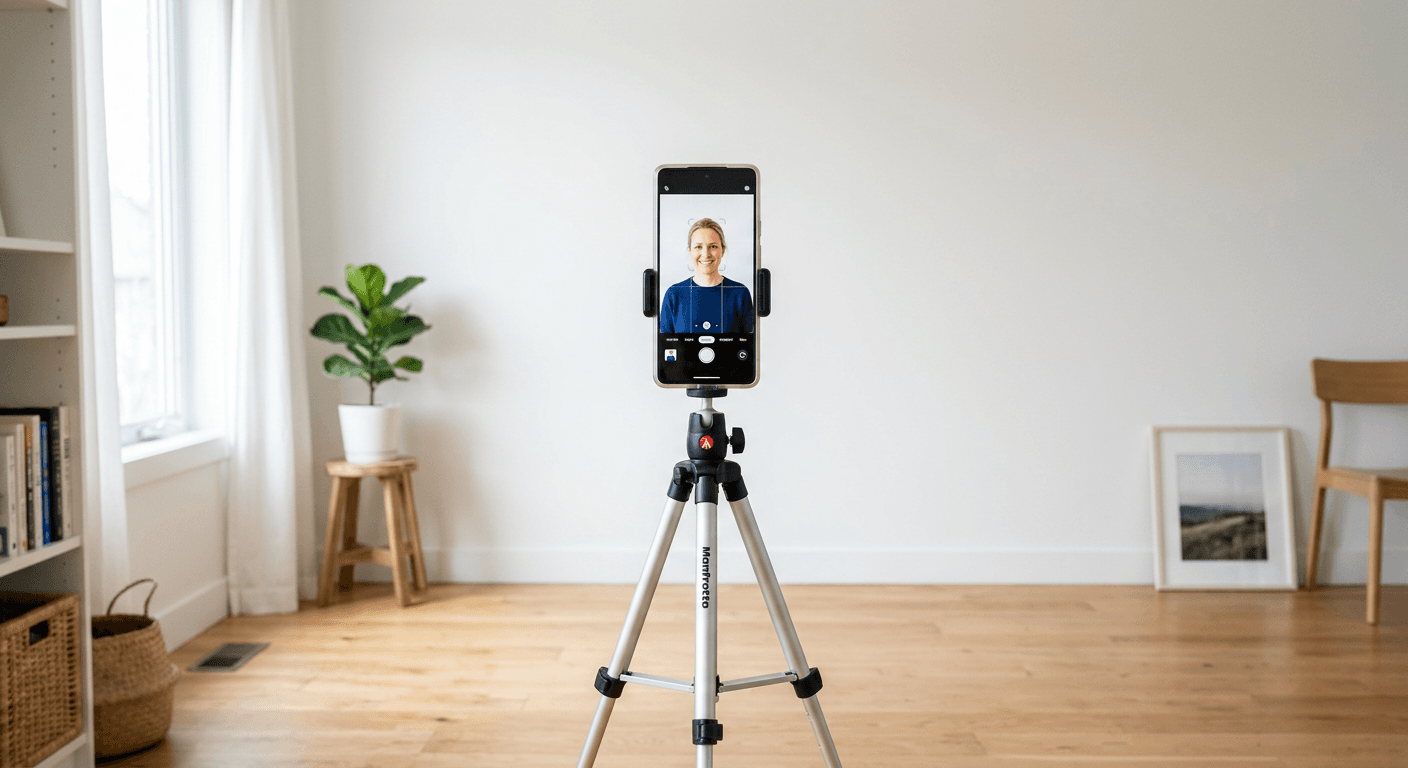
Dragging yourself to a local pharmacy or post office for a passport photo is essentially a relic of the past. If you want to get online passport photos without the headache of long queues or questionable lighting, technology is finally on your side. Honestly, I believe that saving time is the ultimate luxury, and figuring out how to get digital passport photo files from the comfort of your couch is a total game-changer for any traveler.
Quick Summary
To get a digital passport photo online, you simply need a clear, well-lit photograph taken against a plain background, which you then upload to a compliant processing tool to ensure it meets strict government requirements. This saves time and removes the need for physical visits to traditional photography booths.
- Ensure even lighting without harsh shadows.
- Maintain a neutral expression with eyes fully visible.
- Use a plain, light-colored background for best results.
- Verify dimensions meet the specific country's standards.
Table of Contents
- Quick Summary
- Get Online Passport Photos Efficiently
- How to Get Digital Passport Photo Files Correctly
- Digital Passport Photo Online Best Practices
- FAQ
- Recommended Reads

Get Online Passport Photos Efficiently
Most people dread the administrative side of travel. It is boring. It is tedious. However, when you choose to get online passport photos, you reclaim those lost hours. You do not need professional studio equipment, but you do need to follow a few basic rules. If you find yourself struggling with the technical side, checking a comprehensive guide can clarify the entire process.
Why choosing digital is smarter
Digital images are versatile. You can print them or use them for online renewals. Gone are the days when you were stuck with three copies of a photo that looked like a mugshot from a low-budget thriller. Plus, by choosing a reputable service to get digital passport photo solutions, you ensure your application isn't rejected for minor formatting errors. Sounds simple, right? It really is.
How to Get Digital Passport Photo Files Correctly
Getting it right the first time is vital. Governments are incredibly picky about shadows, head positioning, and background contrast. If you have questions about whether your image will pass the gatekeepers, you can always contact support teams before finalizing your upload. It is much better to be safe than sorry when it comes to international documents.
Essential setup for success
- Find a wall that is truly white or off-white.
- Stand about a foot away from the wall to prevent shadows.
- Use natural daylight - facing a window is perfect.
- Avoid wearing glasses if they cause any glare on the lenses.
Digital Passport Photo Online Best Practices
Once you have the perfect shot, the next step involves using a web tool to crop and align your image. This is where most people trip up. You must keep your head straight and your expression neutral. No smiling? I know, it feels strange to take a photo without a grin, but rules are rules. Always verify the latest terms and conditions of your chosen service to ensure your data stays private and your application remains compliant.
Why settle for a bad photo? You have the luxury of taking fifty shots until you find one that does not make you look like you haven't slept in a week. That is the beauty of doing this yourself. You control the output, and you control the timeline. Just make sure the file size is correct and the resolution is high enough to satisfy the agency. If the image is pixelated or blurry, it will get rejected. Period.
FAQ
-
Can I take the photo with my phone? Absolutely. Modern smartphone cameras are more than capable of capturing high-resolution photos that meet passport standards.
-
Do I need special lighting equipment? Not at all. Natural, diffused light from a window works better than a cheap desk lamp that might create harsh, unflattering shadows.
-
What happens if my photo is rejected? It depends on the service provider, but most reputable sites will help you troubleshoot or offer a clear path to resolution.
-
Is it safe to upload my photo to these sites? As long as you choose a service with a clear privacy policy, your personal data should remain encrypted and secure.