How to get a passport photo online free in 2026
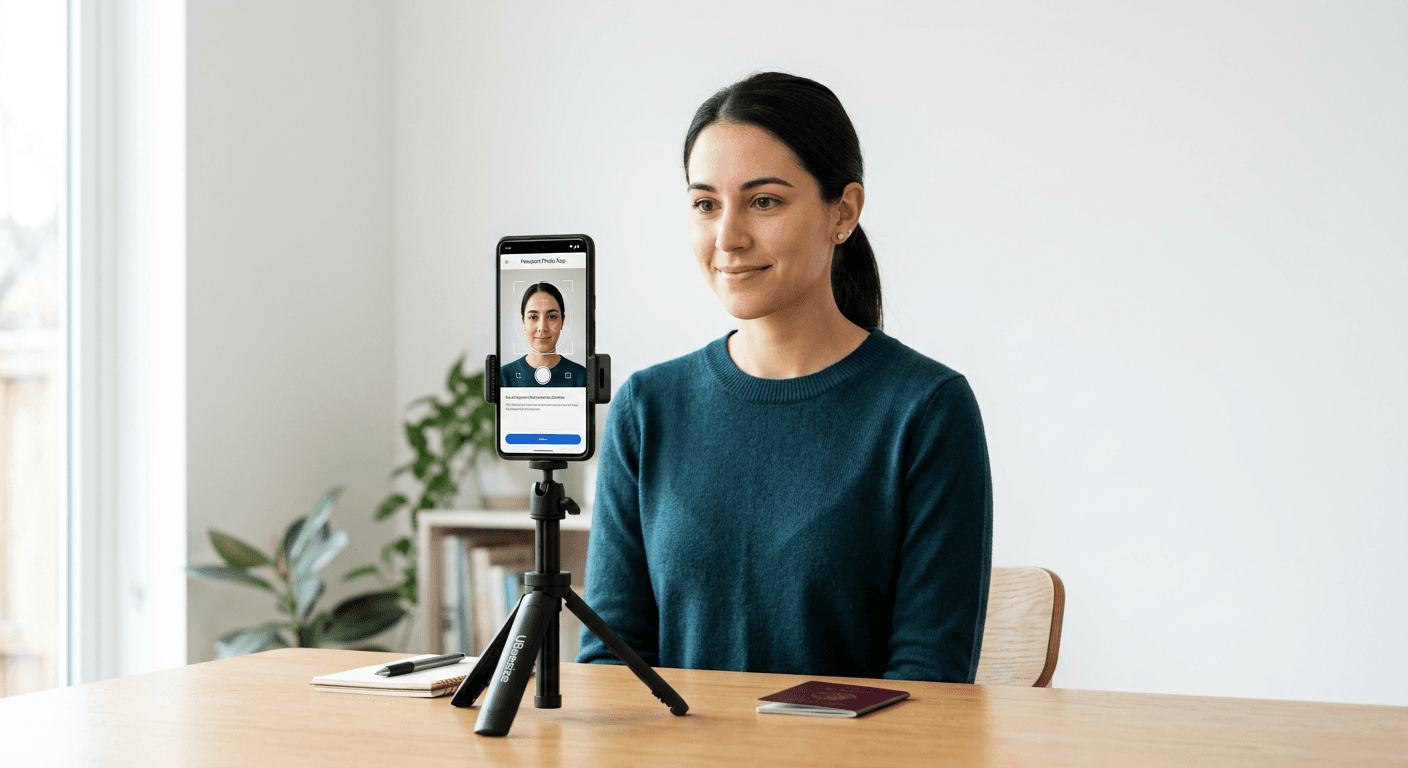
Capturing an official travel document image at home has become increasingly viable, removing the need for inconvenient trips to traditional high-street studios. Whether you are navigating the requirements for a standard renewal or preparing for a complex visa application, using a dedicated service to get a passport photo online helps ensure your submission meets strict biometric criteria.

Quick Summary
Creating a compliant passport-size photo online involves using software to adjust lighting, background, and dimensions to meet specific government standards. These tools automate the technical processes of facial alignment and image scaling, ensuring the final output is suitable for official digital or printed submissions.
- Automated background removal and colour correction.
- Precise cropping based on specific country regulations.
- Verification of biometric requirements like expression and shadows.
- Cost-effective alternatives to professional studio sessions.
Table of Contents
- Comparison of Digital Passport Photo Solutions
- Automated AI-Powered Photo Generators
- Manual Image Editing Software
- Professional Online Passport Photo Services
- How to Choose the Right Passport Photo Tool
- FAQ
- Recommended Reads
Comparison of Digital Passport Photo Solutions
| Category | Key Features | Pros | Cons | Target Audience |
|---|---|---|---|---|
| AI Generators | Automated crop/bg removal | Fast, high compliance | May struggle with infants | Busy parents, travellers |
| Manual Editors | Full control over layers | Creative freedom | High learning curve | Experienced users |
| Specialist Services | Guaranteed acceptance | Risk mitigation | Often incurs fees | Visa applicants, families |
Automated AI-Powered Photo Generators
AI-driven platforms represent the modern standard for those looking to get a passport photo online efficiently. These services leverage proprietary algorithms to scan for 20+ points of failure, including head tilt, uneven lighting, and incorrect resolution. By simplifying the technical complexities of biometric standards, these generators provide a streamlined path to compliance.
Benefits of AI Processing
- Immediate Feedback: Most platforms provide real-time alerts if your image fails to meet the specific requirements of the issuing country.
- Background Standardisation: Automatic removal of cluttered backgrounds in favour of the uniform white or off-white required by most passport offices.
- Precision Cropping: Automatic scaling based on the specific head-to-chin ratios demanded by different international authorities.
Manual Image Editing Software
For those who possess advanced technical skills, manual image editing software offers total control over every pixel. While these tools allow users to create a passport size photo online for free without relying on third-party automation, they demand a thorough understanding of official dimensions and lighting requirements. If you choose this path, you must manually ensure the aspect ratio and white balance align with strict government guidelines.
The Risks of Manual Editing
- Compliance Errors: Even a minor deviation in the head size or background colour can lead to an official application being rejected.
- Lack of Validation: Unlike automated services, manual software does not verify if your expression or eye position is biometric-compliant, meaning rejections are more likely during the human review stage of your passport application.
Professional Online Passport Photo Services
Specialised services often offer a middle ground, combining the convenience of digital tools with the security of a human or expert-verified check. These platforms are particularly beneficial for those who require visa-specific photos or who are handling documents for newborns, where the margin for error is razor-thin. For those interested in learning more about the technical requirements, the official guidance page provides insights into how these services maintain compliance.
Why Use Professional Platforms?
- Risk Mitigation: Many professional services provide a money-back guarantee if the photo is rejected for compliance reasons, which is a major advantage for high-stakes applications.
- Print-Ready Files: Beyond digital delivery, many platforms format images into print-ready templates, allowing users to print at local kiosks for a fraction of the cost of a studio sitting.
How to Choose the Right Passport Photo Tool
Choosing the right tool to generate your digital passport photo online depends on your confidence in your photography skills and the urgency of your application. Always check the specific documentation requirements for your country; for example, the rules for a UK child passport may differ from a US visa application. If you have any concerns about your photo's eligibility, you can contact the support team for clarification on specific formatting needs.
When evaluating a tool, consider whether it offers a clear privacy policy regarding how your biometric data is stored or handled. Furthermore, review their refund policy before committing to a paid service to ensure you are protected against unexpected rejection from passport authorities.
FAQ
Can I take my own passport photo at home?
Yes, provided the image adheres to official biometric standards, including neutral expression, uniform lighting, and a plain background. Most modern smartphones have cameras of sufficient quality to produce a compliant image if the lighting is set up correctly.
Are free passport photo tools reliable?
While some free tools exist, they often lack the sophisticated validation needed to ensure compliance with specific government criteria. For official travel documents, a service that verifies against biometric failure points is generally more reliable than a generic photo editor.
What happens if my photo is rejected?
If you have used a service with a guarantee, you may be entitled to a refund or a free re-processing. Always review the terms of the service provider before uploading your photo.