How to get passport photo online in 2026: A complete guide to digital solutions
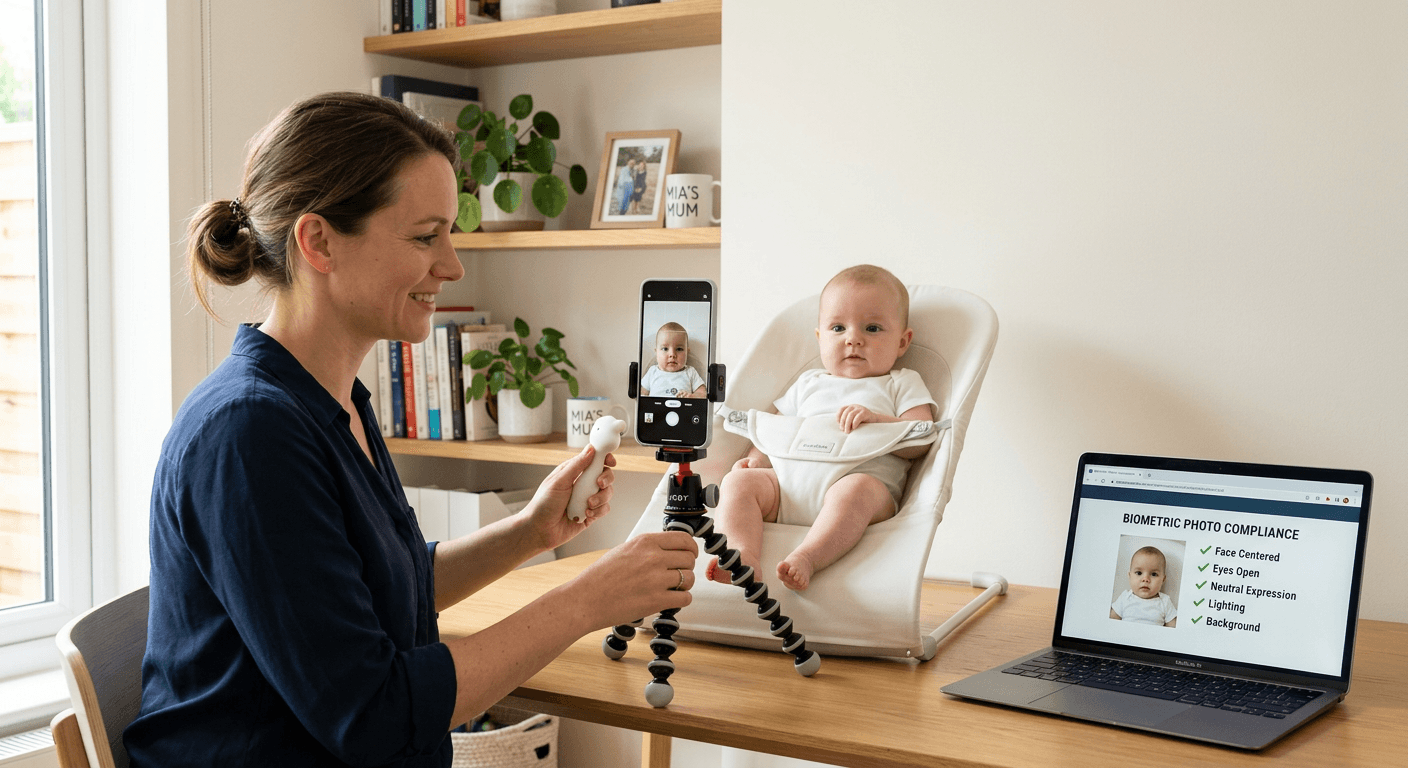
Obtaining official identification documentation can often feel like a bureaucratic hurdle, particularly when attempting to manage the process from home. For many, the ability to get passport photo online represents a significant shift in efficiency, removing the need for a dedicated trip to a photography studio or high-street retail kiosk. By leveraging modern digital tools, applicants can now produce high-quality, government-compliant images using their own smartphones, provided they adhere to specific technical standards and lighting requirements.

Quick Summary
To get a passport photo online, you must use a dedicated image-processing platform that enforces strict biometric guidelines, including background removal, head size ratios, and proper lighting. This method allows applicants to obtain compliant digital files or print-ready templates efficiently from their own homes.
- Ensure even lighting without shadows on the face or background.
- Utilise platforms that verify biometric compliance against 20+ points of failure.
- Opt for services that offer print-ready templates for cost-effective local printing.
- Always review specific country requirements for head-to-chin ratios and expression.
Table of Contents
- Quick Summary
- Comparing Digital Passport Photo Solutions
- AI-Driven Automated Processing Platforms
- Specialised Online Passport Photo Services
- Retail-Integrated Digital Printing Solutions
- Choosing the Right Method for Your Needs
- Frequently Asked Questions
- Recommended Reads
Comparing Digital Passport Photo Solutions
| Feature | AI-Driven Platforms | Custom Photo Services | Retail Printing Kiosks |
|---|---|---|---|
| Accuracy | High (Biometric check) | High (Manual review) | Moderate (Hardware fixed) |
| Convenience | Instant/Automated | 1-2 day turnaround | In-person visit required |
| Cost | Low (Digital file) | Medium-High | Moderate |
| Best For | Fast, reliable results | Complex visa requirements | Simple passport renewals |
AI-Driven Automated Processing Platforms
These platforms utilise sophisticated algorithms to analyse facial positioning, shadow density, and background consistency. They are designed for users who need to secure a digital passport photo online rapidly. By automating the cropping process, these tools remove the risk of human error in frame sizing, ensuring the final output meets the strict dimensions mandated by HM Passport Office or international equivalents.
When using such tools, it is vital to understand the privacy protocols involved in handling your biometric data. High-quality platforms will explicitly state how images are stored and deleted post-processing. Beyond mere resizing, these AI systems identify potential failures, such as head tilts or obscured eyes, providing instant feedback so you can adjust your photo before submission.
Pros and Cons of AI Platforms
- Pros: Immediate results; consistently accurate sizing; low cost per use.
- Cons: Requires the user to take a high-quality initial photo; cannot fix poor lighting.
Specialised Online Passport Photo Services
These providers offer a hybrid approach, often combining automated pre-processing with human oversight. If you are struggling with specific requirements - such as those for certain high-security visas - these services offer a guide or direct assistance to ensure compliance. They are particularly useful for parents who may find the process of capturing an infant's photo inherently difficult due to non-compliant expressions or movement.
For those who have encountered issues previously, many of these services provide a clear refund policy for photos rejected by authorities. This offers a level of financial security that standard, free cropping tools do not, making them a preferred choice for individuals who cannot afford delays in their travel or visa documentation.
Pros and Cons of Specialised Services
- Pros: Professional review; higher success rate for complex visas; often include a money-back guarantee.
- Cons: Higher upfront cost compared to basic automated tools.
Retail-Integrated Digital Printing Solutions
Many users prefer to use an online platform to generate the file and then print it at a local retail kiosk. This method is often the most cost-effective way to get physical copies. By generating a 4x6 inch template, you can print a batch of photos for the price of a standard 10-15 pence print rather than paying the high premium associated with professional portrait services.
To ensure success with this method, verify the settings of the kiosk before printing. Ensure it is set to 'non-cropped' or 'native size' to avoid distorting the image dimensions. If you face any technical difficulties with your file or printing process, you can often reach out to the platform's support team for technical troubleshooting.
Pros and Cons of Retail Printing
- Pros: Significant cost savings; physical photos available within minutes.
- Cons: Requires a trip to the store; hardware quality at kiosks can vary.
Choosing the Right Method for Your Needs
When deciding how to get your passport photos, consider the urgency of your application and the complexity of the requirements. Standard passport renewals usually allow for slightly more flexibility, whereas some visa applications have extremely specific lighting and background requirements that necessitate the use of professional-grade software.
Always ensure that your smartphone camera is set to the highest resolution and that you are standing in front of a plain, light-coloured wall with no direct sunlight creating harsh shadows on your face. You can find more terms and conditions regarding the use of such software on most provider websites. If you are unsure whether your photo meets the grade, err on the side of using a service that offers biometric verification rather than attempting manual cropping tools.
Frequently Asked Questions
Can I use a regular selfie for my passport photo?
While you can use a smartphone, a 'selfie' taken with an outstretched arm often results in distortion due to the wide-angle lens. It is best to have someone else take the photo from a distance of about 1.5 to 2 metres to avoid facial feature distortion.
What if my passport photo is rejected?
If you have used an online service that guarantees compliance, contact them immediately as they will usually offer a free re-process or a refund. If you took the photo yourself using free software, you will likely need to retake the image from scratch.
Is it legal to print my own passport photos?
Yes, as long as the printed image meets the government's strict criteria regarding size, quality, and biometric accuracy. The official body focuses on the compliance of the photo, not the method of printing.