How to Meet Passport Photo Clothing Requirements in 2026
You have finally managed to get your six-month-old to sit upright and look straight at the lens, the lighting is perfect, and their eyes are open. Yet, the government application portal instantly rejects the image. Why? The baby is wearing a pale grey sleepsuit against a standard light grey background. When checking passport photo clothing requirements, parents and adult applicants often focus on making themselves look presentable rather than visible to a biometric scanner.
The algorithms processing modern travel documents do not care about style or formality. They require distinct geometric boundaries between the human subject and the background wall. Without severe contrast, the software interprets your shoulders as part of the backdrop, leading to an automatic failure. This guide breaks down exactly what to wear, how automated compliance checks interpret fabric and colour, and the specific structural adjustments required when photographing infants for biometric documents.
Quick Summary
Meeting passport photo clothing requirements means dressing the subject to ensure automated biometric software can map facial geometry and separate the torso from the background. The correct clothing eliminates shadows, prevents sensor distortion, and provides a hard silhouette.
- Wear solid, dark colours to create severe contrast against the mandatory light grey or cream background.
- Avoid deep V-necks or vests that fall below the 45mm by 35mm crop line.
- Remove all hair accessories, dummy clips, and non-religious headwear.
- Dress infants in thin, flat-laying bodysuits to prevent fabric bunching around the jaw.
Table of Contents
- 1. Contrast and Colour Choice
- 2. Necklines and Shoulders
- 3. Headwear and Hair Accessories
- 4. Glasses and Facial Obstructions
- 5. Infant Specific Clothing Tactics
- Common Pitfalls & Troubleshooting
- FAQ
- Recommended Reads
1. Contrast and Colour Choice
White garments guarantee automated rejection
Selecting a white shirt or a pale cream blouse is the single fastest way to fail an automated compliance check. Modern biometric systems do not view an image as a photograph; they process it as a topographical map. To isolate the face and torso for measurement, the edge-detection algorithm must find a severe, high-contrast line separating the subject from the mandated light grey or cream background.
If you wear a white or pale grey top, that boundary line evaporates. The software scans the pixels and cannot mathematically determine where your shoulder ends and the wall begins. It subsequently triggers a "background indistinguishable" error, rejecting the application instantly. This problem becomes significantly worse during the file upload process. Government portals aggressively compress image files to save server space, merging similar adjacent pixels. A pale shirt that barely contrasts with the wall on your smartphone screen will blend into a single block of colour once compressed by the portal.
Complex patterns present a different mechanical failure. Tight stripes, dense houndstooth, or intricate checks frequently create a moiré effect - a visual distortion that causes rippling lines across the digital sensor. This distortion confuses the facial recognition software, which misinterprets the optical illusion as a physical defect in the photograph.
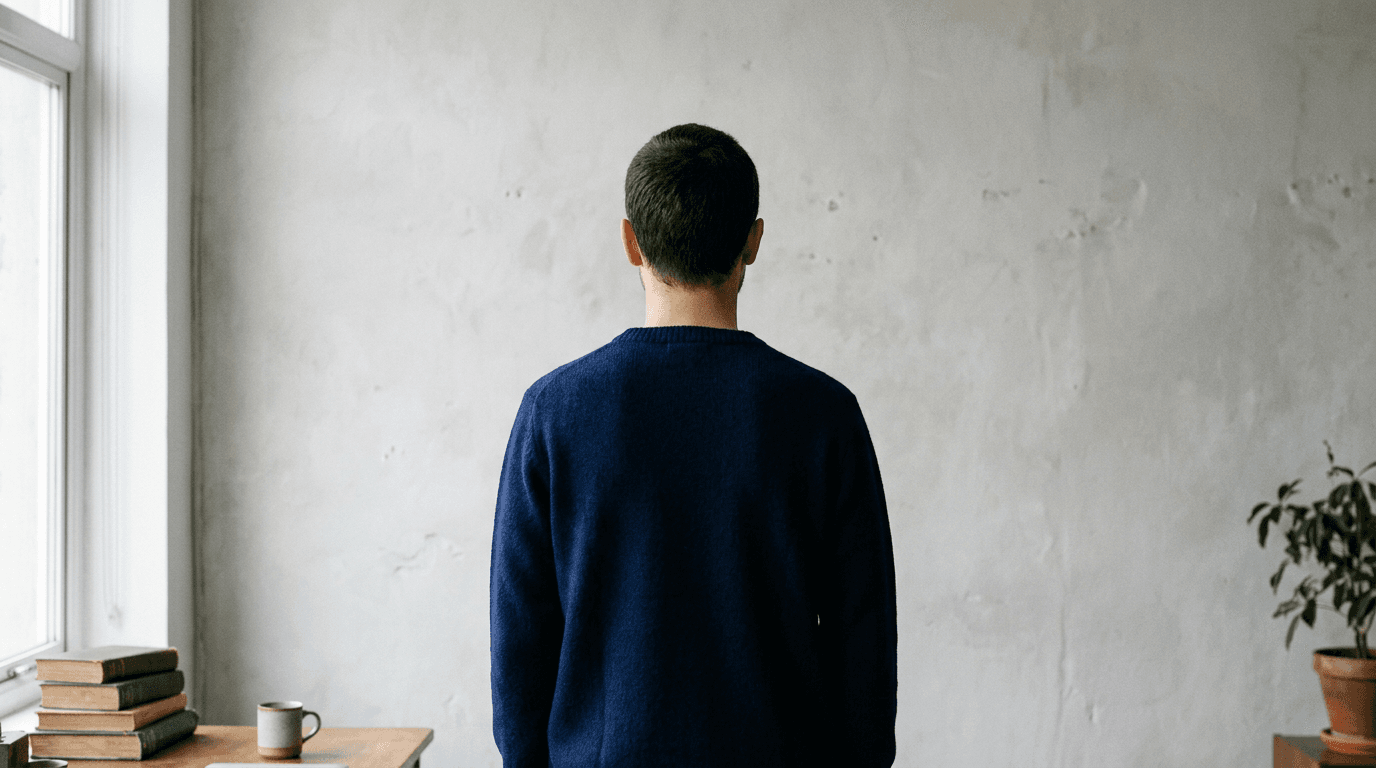
The most effective approach is to wear solid, deeply saturated colours. Navy blue, black, deep green, or maroon provide the sharp silhouette the software requires.
Practical rule: If you squint at the subject standing against the background wall and their shoulders blend into the paintwork, you must change their top to a significantly darker shade.
To ensure you meet the exact technical thresholds for different jurisdictions, consulting comprehensive international baby passport photo requirements prevents common formatting mistakes.
2. Necklines and Shoulders

Deep necklines read as unclothed torsos
The physical dimensions of a standard UK document image dictate exactly how much of your clothing will actually appear in the final crop. The required size is 45mm high by 35mm wide, and the subject's head must occupy between 29mm and 34mm of that vertical space. By the time the software leaves the required empty space above the crown of the head, only a very narrow sliver of the upper chest and shoulders remains visible at the bottom edge of the frame.
This severe cropping makes the choice of neckline critical. If a subject wears a deep V-neck top, a low scoop neck, a thin-strapped vest, or an off-the-shoulder dress, the fabric will fall entirely below the 45mm crop line. The resulting image presents a floating head resting on bare shoulders. While automated systems do not contain an explicit filter for modesty, border officials and application clerks manually reviewing the final document frequently flag these anomalous images for looking inappropriate or entirely unclothed.
Beyond human review, e-gates at international borders rely heavily on the baseline photo embedded in your biometric chip. If the baseline image looks structurally abnormal due to the cropping of the clothing, the facial recognition mismatch can occasionally trigger a secondary manual screening, delaying your transit.
Crew necks, collared shirts, and standard t-shirts sit high enough on the collarbone to anchor the bottom of the photograph clearly. For infants, avoid thick turtlenecks or heavily padded winter coats that push fabric up into the lower jaw. A plain, flat-collared bodysuit in a dark shade is the most reliable option.
3. Headwear and Hair Accessories
Accessories break the biometric facial map
Facial recognition software operates by calculating the exact geometric distances between fixed points on the face. It measures the interpupillary distance, the width of the mouth, the nasolabial angle, and the exact vertical span from the menton (the lowest point of the chin) to the top of the cranium. Any item worn on the head or in the hair that alters the natural silhouette of the skull disrupts this mathematical map.
Parents frequently make the mistake of leaving small decorative items in a baby's hair. A small bow, a decorative headband, or even a metallic hair clip introduces a foreign object into the biometric scan area. The algorithm flags these accessories as occlusions, leading to an automatic failure. Similarly, dummy clips attached to the shoulder of a babygrow will be registered as facial obstructions if they enter the crop zone. The strictness of this rule means absolutely all non-religious and non-medical headwear must be removed.
Where religious or medical head coverings are worn, they must adhere to rigid positioning rules to pass the automated scan. The covering must not cast any micro-shadows onto the face. The area from the base of the chin to the top of the forehead, including the outer edges of both cheeks, must remain entirely visible. If a hijab, turban, or kippah extends too far forward, it will block the ambient light required to map the depth of the eye sockets. Should an applicant face repeated rejections due to a correctly worn religious covering, escalating the issue through a platform's technical help centre can facilitate the necessary manual override.
4. Glasses and Facial Obstructions
Lenses and frames introduce mandatory failure points
While glasses are technically an accessory, they dictate the upper half of the required dress code. In the UK, everyday prescription glasses are entirely banned from document photography. They are only permitted if they cannot be removed for severe medical reasons, and even then, they introduce massive mechanical hurdles for the applicant.
The primary issue is the physics of light reflection. Camera flashes bounce off the curvature of glass lenses, creating a bright specular highlight that completely obscures the iris and pupil. Because the pupil is the absolute centre of the biometric map, any reflection results in an instant rejection. Refractive distortion is the secondary failure mode. Strong prescription lenses alter the apparent size of the eye and distort the line of the cheekbone viewed through the glass.
Furthermore, the frames themselves cast shadows. A thick, dark frame casts a micro-shadow across the orbital bone and the bridge of the nose. The software misinterprets this shadow as a structural facial feature, corrupting the geometry data. Governments process this mapped geometry under strict privacy policy frameworks, but the mechanical rules for collecting that visual data remain completely rigid.
Facial obstructions extend down to the clothing. A high-zipped jacket, a thick scarf, or a stiff collar that touches the bottom of the chin breaks the menton-to-cranium measurement. The entire jawline must remain completely clear of fabric. If the subject looks down slightly and their chin touches their collar, the photograph will fail.
5. Infant Specific Clothing Tactics
Bulky fabrics obscure the critical jawline anchor
Photographing infants introduces unique physical challenges, primarily due to their anatomy and the mechanics of gravity. Babies lack elongated necks, and their natural resting posture involves the chin dropping heavily against the chest. When you lay an infant on their back on a plain light grey sheet to take the photograph from above, gravity pulls their soft tissue and their clothing backward and upward toward their ears.
If an infant is dressed in a thick knitted cardigan, a hooded jumper, or a bulky winter coat, this gravitational pull causes the fabric to bunch directly over the jawline. The biometric scanner must locate the exact point of the chin to measure the total head height. If a collar obscures that point, the software automatically rejects the image with a "full face not visible" error message.
The mechanical fix requires dressing the infant in thin, flat-laying garments. A standard cotton sleepsuit or plain dark babygrow is the optimal choice. If the fabric still rides up around the neck, parents must physically manipulate the clothing. Gently tape the fabric together behind the baby's shoulders to pull the collar taut and away from the front of the neck. This exposes the clean line of the jaw against the skin of the neck. When applications are repeatedly rejected due to these specific formatting errors, using processing services backed by a 100% refund policy ensures parents are not financially penalised for the algorithm's strictness.
Common Pitfalls & Troubleshooting
When an application portal rejects an image, it often returns a generic error message that hides the true mechanical failure. Reviewing official passport photo examples rarely helps diagnose the issue, as those examples only show the successful outcome, not the rejected attempts. Here are the distinct clothing-related failures, how to identify them, and the specific adjustments required.
The "Background Indistinguishable" Failure (Most Common Cause)
- Symptom: The portal rejects the image instantly upon upload, stating the subject blends into the wall.
- Fix: This is the most frequent true cause of automated rejection, caused by low clothing contrast. The applicant is wearing white, cream, or pale grey. Change them into a solid, deeply saturated top - such as black or navy - and retake the image against the same light grey background.
The "Full Face Not Visible" Failure
- Symptom: The system claims the face is covered, even though the subject is looking directly at the lens with clear eyes.
- Fix: Check the jawline. For infants in particular, a thick collar or bunched-up babygrow is obscuring the line where the chin meets the neck. Pull the collar down, tape it flat behind the shoulders if necessary, and ensure the entire outline of the chin is sharply defined against the neck.
The "Shadows Detected" Failure
- Symptom: The scanner flags the image for poor lighting, despite the room being flooded with bright ambient daylight.
- Fix: The subject's clothing is physically blocking the light. Wide collars, bulky hoods, or high shoulder pads cast shadows onto the lower cheeks and the neck. Change the subject into a thin, crew-neck t-shirt that sits completely flat against the collarbone to allow light to reach the entire face.
The "Inappropriate Attire" Failure
- Symptom: The automated system passes the image, but a human reviewer flags the application a week later for non-compliance.
- Fix: The subject is wearing clothing that mimics a uniform. This includes scout shirts, school blazers with visible crests, or military camouflage patterns. Government regulations strictly mandate plain, everyday civilian clothing. Swap the garment for an unbranded, plain-coloured top and resubmit the application.
FAQ
Can a baby wear a dummy or a bib in their photograph? No. A dummy completely obscures the mouth, which is a mandatory biometric anchor point. A bib covers the neckline and alters the torso's silhouette. Both items must be entirely removed before taking the photograph. The infant must have a neutral expression with a closed, visible mouth.
Are school uniforms permitted in visa applications? No. The overwhelming majority of international jurisdictions, including the UK, strictly prohibit the wearing of any uniform. This ban covers school uniforms, military dress, and civil service attire. You must wear plain, everyday civilian clothing to guarantee the application is accepted.
Can I wear makeup that matches my chosen clothing? Everyday makeup is permitted, provided it does not alter your fundamental facial geometry. Heavy contouring that introduces artificial shadows or drastically changes the appearance of your cheekbones will cause the biometric scan to fail. The image must represent your true, unmodified everyday appearance.
What is the best colour to wear against a light grey background? Solid black, navy blue, dark green, or deep red are the most reliable choices. These darker shades provide the severe visual contrast required by digital edge-detection algorithms, guaranteeing the software can accurately separate your torso from the background.