How to Renew Passport Online UK: A Step-by-Step Guide
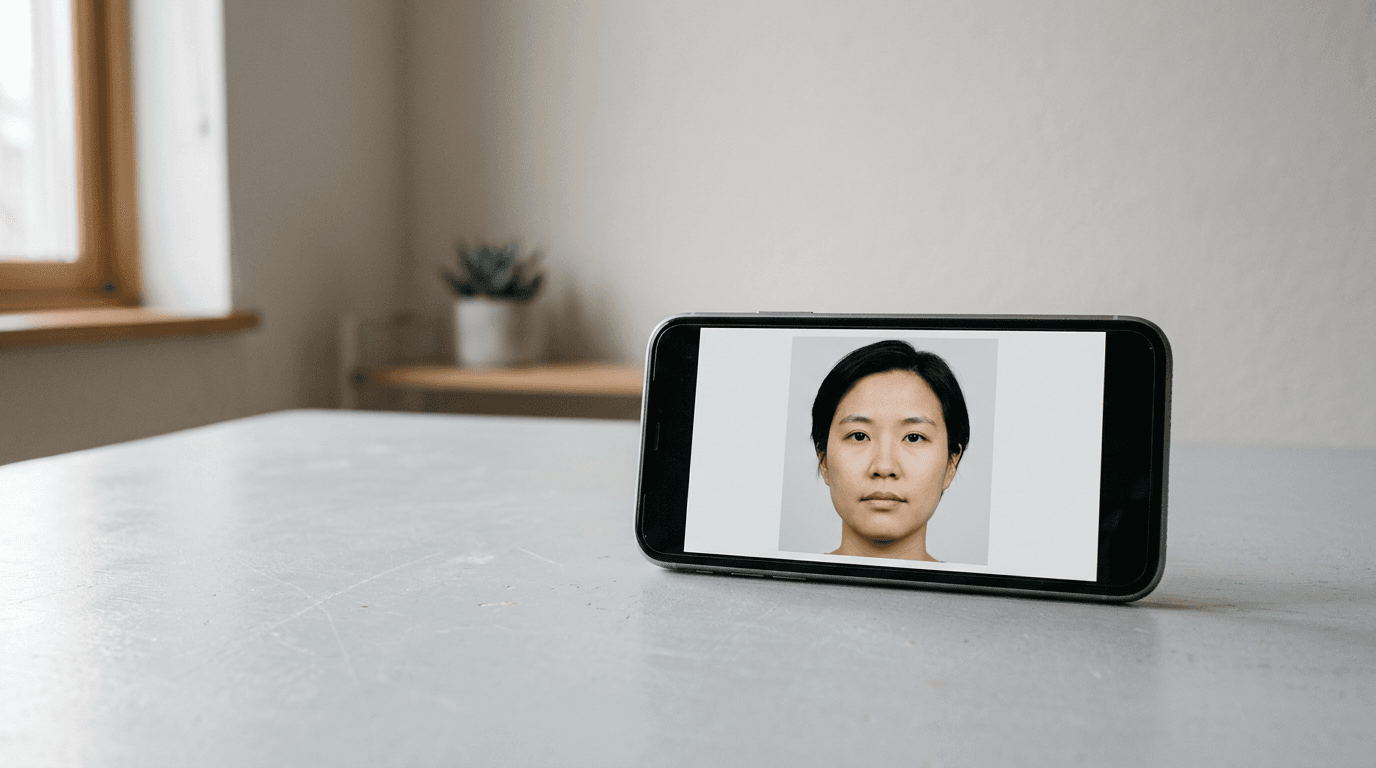
A rejected passport application is not just a frustrating email; it is a cancelled flight, a forfeited hotel deposit, and a ruined holiday. When you apply for passport online, the HM Passport Office processes millions of applications a year, and the most common reason for delay is not a complex citizenship question, but a shadow on a digital photograph or a mismatched signature.
Quick Summary
To renew passport online uk, you must complete the HM Passport Office's digital application form, provide a compliant digital passport photo, and send your old passport back for cancellation. The online process is generally faster and cheaper than the paper route, but it requires strict adherence to photo biometric standards to avoid rejection.
- Digital Photo First: You need a digital photo code or a compliant digital file before you start the application.
- Current Passport: Keep your old passport to hand; you will need its details for the form and must post it back.
- Payment Ready: The online fee is paid via credit or debit card during the application process.
- Processing Time: Standard renewals take about three weeks, but allow longer during peak summer months.
Table of Contents
- 1. Secure a Compliant Digital Photo
- 2. Complete the Online Application Form
- 3. Pay the Application Fee
- 4. Return Your Old Passport
- Common Pitfalls & Troubleshooting
- Recommended Reads
1. Secure a Compliant Digital Photo
The digital photograph is the single largest point of failure for online renewals. The HM Passport Office uses automated biometric scanning software before a human ever looks at your application. If the lighting is uneven, the background has a tint, or your head is tilted by a few degrees, the system rejects it.

You have two routes for the photo: obtaining a digital photo code from a photobooth or shop, or taking the photo yourself on a smartphone. A photo code is a string of characters you enter into the application form, which retrieves your image directly from the provider's server. If you take it yourself, you upload the image file directly.
Practical rule: Never edit, filter, or use background removal software on a selfie intended for a passport application unless the tool is specifically designed and guaranteed for biometric compliance; the passport office's software detects standard editing artifacts and will reject the image.
The mechanics of a self-taken photo require a completely plain, light-coloured background (not white, but light grey or cream), even lighting across the face with no shadows, and a neutral expression with a closed mouth. For parents renewing a child's passport, getting a compliant shot of an infant who cannot sit up unaided is notoriously difficult. Our UK & International Baby Passport Photo Requirements & Guides cover the specific tolerances allowed for very young children.
The mistake people make here is assuming a 'good enough' photo will pass. They stand too close to the wall, creating a hard shadow behind their neck, or they use overhead lighting that casts shadows under their eyes and nose. The automated system flags these instantly.
2. Complete the Online Application Form
With your photo ready, you begin the application on the official GOV.UK website. The form is dynamic; it changes based on the answers you provide. You will need your current passport in front of you, as you must input the passport number, issue date, and expiry date.
The system will ask if your appearance has changed significantly since your last passport, if you have changed your name, and if your passport is damaged. Answering 'yes' to any of these changes the renewal into a different category, often requiring additional documentation like a marriage certificate or a professional countersignature (a 'referee') to verify your identity.
Your progress is governed by a strict session timer. Leaving the browser window inactive for too long causes a timeout, which means you will lose your entered data and have to start again.
The mistake applicants make is entering details from memory rather than copying them exactly as they appear on the old document. A misspelt middle name or an incorrect issue date creates a discrepancy between the new application and the existing passport record, triggering a manual review and delaying the application by weeks.
3. Pay the Application Fee
The final step of the digital form is payment. The fee to get online passport renewals is currently lower than the paper application submitted through the Post Office. Payment must be made using a credit or debit card.
The payment gateway is straightforward, but it is the point of no return for the data you have entered. Once the payment clears, the application is locked. If you realise you made an error after paying, you cannot simply log back in and edit the form. You must contact the passport office directly to amend the application, which is a slow process.
The common mistake is using a payment card registered to a different address without updating the billing details on the form, which can cause the payment to fail security checks. Ensure the billing address matches the card you are using, even if the passport is being delivered elsewhere.
4. Return Your Old Passport
Your online application is not fully processing until the HM Passport Office receives your old passport. You must post it to the address provided at the end of the online application. The address varies depending on which regional office is handling your application, so do not assume it goes to the main London office.
The mechanics of this step involve physical security. The passport office recommends using a secure delivery method, such as Royal Mail Special Delivery, which provides tracking and compensation if the document is lost. When the office receives the old passport, they cancel it by physically snipping the corners off the cover and pages.
The mistake people make is sending the old passport in a standard envelope with a first-class stamp. If the envelope tears in the sorting machine or gets lost, you now have a lost passport situation, which complicates your renewal and requires you to report the document as lost or stolen, adding further delays and potential interviews to the process.
Common Pitfalls & Troubleshooting
Even a careful applicant can encounter issues when they apply for passport online. Here are the most frequent problems and how to resolve them.
- Symptom: The online system repeatedly rejects your uploaded photograph.
- Cause: Most often, this is due to uneven lighting causing shadows, or the file size/resolution being too low or too high.
- Fix: Ensure you are standing about half a metre away from a plain background, facing a window for natural light. Do not use flash. If taking a photo of a baby, lay them on a plain light-coloured sheet. See our Help Center for specific setup advice.
- Symptom: The application asks for someone to confirm your identity, but you are just doing a standard renewal.
- Cause: You likely ticked a box indicating your appearance has changed significantly, or your old passport was issued before you were 11 years old.
- Fix: You must provide the email address of a qualifying person (e.g., a professional who has known you for two years) who will then receive a link to confirm your identity online. You cannot skip this once triggered.
- Symptom: Your application status has been stuck on "Waiting for old passport" for over a week after you posted it.
- Cause: The mail processing room at the passport office has a backlog, or your envelope was not clearly marked with your PEX (application) reference number.
- Fix: Check your Royal Mail tracking number. If it shows as delivered, wait. It takes several days for the mailroom to log received items against digital applications. Do not post it again.
- Symptom: You receive an email stating your application is paused because your old passport is damaged.
- Cause: The passport office considers a passport damaged if pages are ripped, waterlogged, or the chip is broken. A damaged passport renewal requires different processing than a standard one.
- Fix: You must call the passport office advice line. They will likely require you to provide additional identity verification, similar to applying for a first passport, because a damaged document cannot be fully authenticated.