UK Passport Digital Photo Requirements: Technical Specifications Explained
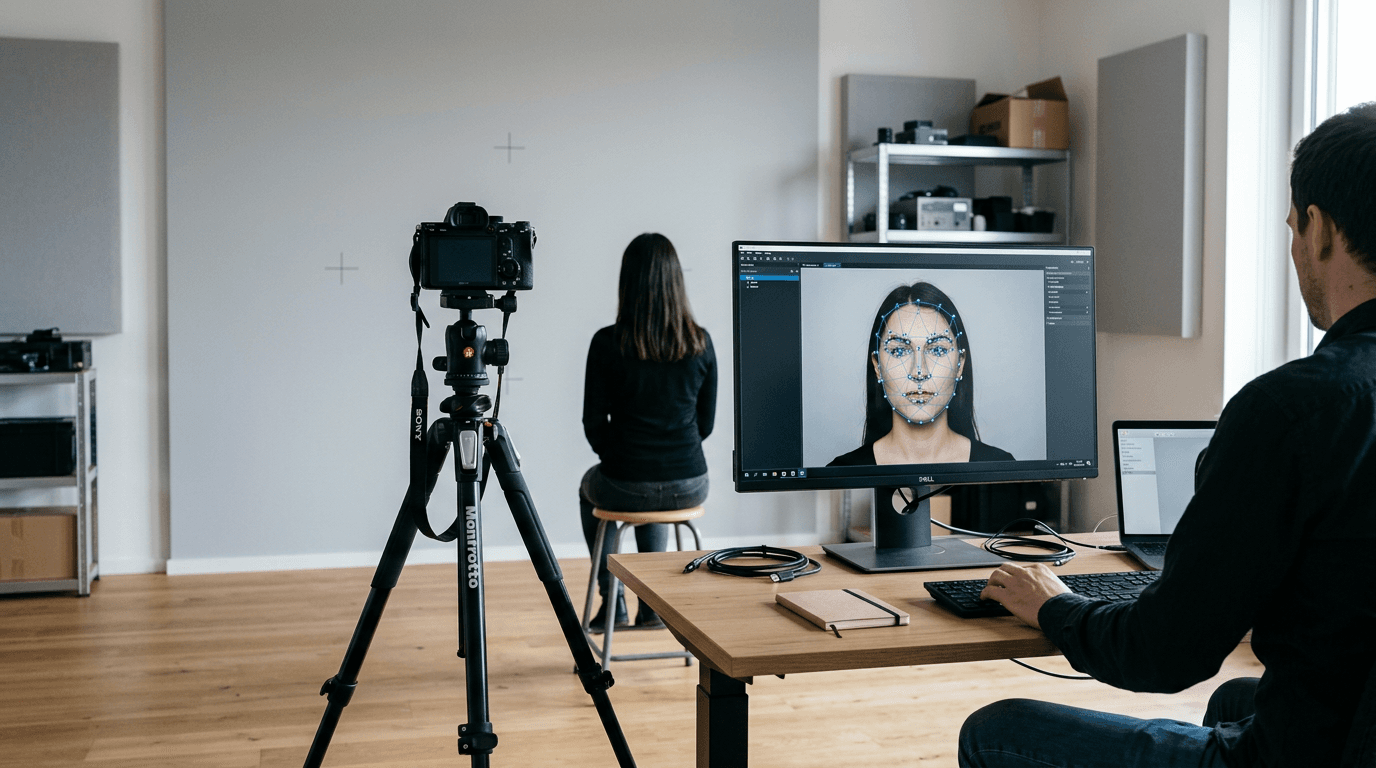
You finally capture a clear image of your infant looking straight at the lens, save the file, and submit it to the HM Passport Office portal. Instantly, a red error message states that the image is rejected. The automated system does not care how difficult it was to capture the shot; it reads metadata, file dimensions, and contrast algorithms before a human examiner ever sees the application. Understanding the exact UK passport digital photo requirements means knowing what the portal's software is measuring, not just what the picture looks like to the human eye.
Quick Summary
The UK government uses an automated biometric scanning system to vet digital passport photos before human review.
- Files must be uncompressed JPEGs between 50KB and 10MB in size.
- Minimum pixel dimensions are 600 pixels wide by 750 pixels high.
- Backgrounds must be plain light grey or plain cream, never pure white.
- Digital alterations, including automated background removal that leaves harsh edges, will trigger manipulation flags.
- Infants have specific exemptions for eye contact and expression, but zero tolerance for visible hands or supports.
Table of Contents
- Why the automated portal rejects good photographs
- The exact file specifications for HM Passport Office
- How background removal software triggers compliance failures
- Lighting and contrast thresholds the scanner looks for
- Capturing biometric data from infants and toddlers
- What happens when you upload your file
- FAQ
- Recommended Reads
Why the automated portal rejects good photographs
The HM Passport Office (HMPO) does not process digital images the way a human does. When an image enters the system, it passes through biometric facial recognition software built to International Civil Aviation Organization (ICAO) standards. This software maps the geometry of the face, specifically measuring the distances between the pupils, the tip of the nose, and the point of the chin.
To measure these points accurately, the software requires sharp edges and specific contrast levels. A photograph that looks perfectly clear to a parent might fail the scanner because a slight shadow across the jawline makes the chin indistinguishable from the neck, or because the image file has been compressed, leaving microscopic visual artifacts around the eyes. The portal is designed to reject anything that might cause a false reading at a border control gate years later. Knowing how this software parses an image is the only way to ensure your submission passes the initial gateway without triggering a manual review delay.
The exact file specifications for HM Passport Office
Technical specifications are absolute. If a file fails to meet the mathematical parameters set by the portal, the upload is blocked immediately. There is no manual override for incorrect file types or insufficient pixel counts.
Dimensions and resolution
The minimum acceptable resolution for a UK digital passport photo is 600 pixels wide by 750 pixels high. This specific ratio maps directly to the physical 35mm by 45mm dimensions required for printed passport photos, scaled for high-resolution digital screens.
However, 600x750 is merely the floor. Submitting an image at this exact minimum leaves no room for the portal's built-in cropping tool. When you generate a digital passport photo online, it is much safer to work with an image that is at least 900 by 1200 pixels. This allows the HMPO software to zoom and pan the image to place the head exactly within its required biometric guides without stretching the pixels and causing the image to blur. If the software has to scale up a small image to fit the cropping template, the resulting pixelation will cause the biometric scan to fail.
File weight and format limits
The portal accepts files between 50KB and 10MB in size. The 10MB ceiling prevents server overload, but the 50KB floor is strictly a quality control measure. An image under 50KB has inevitably undergone aggressive compression, which destroys the subtle gradient data necessary to define facial features.
Practical rule: Never transfer your passport photo between devices using messaging apps like WhatsApp or Facebook Messenger. These platforms automatically compress image files to save bandwidth, which routinely strips the file weight well below the 50KB minimum size limit.
The only acceptable file formats are JPEG or JPG. The portal will not accept PNG files, PDFs, or the HEIC format generated by modern iPhones. If you shoot the photo on an Apple device using High Efficiency format, you must convert the file to a standard JPEG before attempting submission.
| Specification | Minimum Requirement | Ideal Target | Automatic Rejection Trigger |
|---|---|---|---|
| Dimensions | 600 x 750 pixels | 900 x 1200 pixels | Under 600 x 750 pixels |
| File Size | 50KB | 1MB - 3MB | Over 10MB or under 50KB |
| Format | JPEG or JPG | Uncompressed JPEG | PNG, PDF, HEIC, TIFF |
| Colour Space | sRGB | sRGB | Black & White, CMYK filters |
How background removal software triggers compliance failures
The required background for a UK passport photo is plain light grey or plain cream. The rules explicitly forbid pure white backgrounds, busy patterns, or shadows behind the head. Because finding a perfectly smooth, light grey wall in a standard home is difficult, many applicants attempt to digitally replace the background using mobile editing apps.
HMPO strictly forbids digital manipulation of the facial features, and the portal's algorithms are highly sensitive to edge-detection anomalies. Crude background removal tools create a 'clipping path' that cuts sharply around the hair and shoulders. If this path leaves a halo of the original background, cuts off wisps of hair, or creates a mathematically perfect, unnaturally sharp edge against the new grey background, the scanner will flag the image as 'digitally altered' and reject it.
Using a dedicated UK Baby Passport Photo Maker that utilises AI trained specifically on government biometric standards prevents this. Standard photo editors attempt to make the image look aesthetically pleasing; compliant biometric software adjusts the edge gradient to mimic how a camera sensor actually captures light against a grey backdrop, preventing the manipulation flag from triggering.
Lighting and contrast thresholds the scanner looks for
Biometric scanners map a face by reading the transition from light to dark. If the lighting is uneven, the scanner cannot tell the difference between a shadow and a physical feature.

A common failure point is overhead lighting that casts deep shadows under the eyes and nose. To the scanner, dense shadows under the eyes read as structural facial deformities or obscuring objects. Similarly, standing too close to the background wall will cast a hard drop-shadow behind the subject. The portal's software expects a uniform background colour; a dark shadow introduces a new, unrecognised shape into the frame.
The ideal lighting setup uses diffused, natural light hitting the face straight on. Facing a large window on an overcast day provides the exact flat, even illumination the software requires. The light wraps around the face, eliminating harsh shadows under the chin while maintaining enough contrast to separate the subject's outline from the light grey background.
Capturing biometric data from infants and toddlers
HMPO applies different behavioral rules for young children, acknowledging the impossibility of making an infant follow directions. However, while the behavioral rules are relaxed, the technical requirements for the image file remain absolute.
Managing posture without visible support
Children under the age of six are not required to maintain a neutral expression or look directly at the camera. However, they must be the only subject in the frame. The most frequent reason infant photos fail is the presence of a parent's hand supporting the child's head or shoulders.
The standard method for photographing a newborn is laying them on their back on a plain, light grey sheet. The sheet must be pulled taut to eliminate deep creases, which the scanner interprets as background patterns.
Practical rule: When photographing an infant from above, align your position so the primary light source comes from the top of the infant's head rather than from their feet. Lighting from below casts unnatural shadows upwards across the face, which distorts biometric mapping and triggers automatic rejection.
The open eye rule for newborns
Children under the age of one are not required to have their eyes open. If the baby is asleep, the image is still compliant provided the head is mostly straight and no dummies or toys are in the frame. If the eyes are open, there must be no flash reflection (red-eye) obscuring the pupil.
Because infant photography is highly prone to automated rejection, choosing a platform that backs its processing with a 100% Refund Policy allows parents to submit files with confidence, knowing the financial risk of a technical failure is mitigated.
What happens when you upload your file
When you are ready to upload passport photo files to the official gov.uk service, the portal guides you through a specific sequence. First, the system ingests the JPEG and runs an immediate, invisible metadata check to verify file size, format, and dimensions. If the file passes this stage, the portal presents a cropping tool. You must align the subject's face within two digital ovals - one for the outer edges of the head, and one for the face itself.
Once cropped, the portal runs its biometric contrast checks. It will present a screen showing either a green success message or a list of warnings. Warnings fall into two categories: soft warnings and hard rejections.
A soft warning might state "Image looks too dark" or "Mouth appears open." The portal allows you to override these soft warnings if you are certain the photo meets the criteria (for example, if the subject is an infant whose mouth is allowed to be open). However, overriding a warning shifts the risk entirely onto the applicant. If the human examiner later agrees with the software's assessment, the application will be paused, causing delays. If you encounter repeated technical errors, consulting a dedicated Help Center tailored to passport compliance can identify whether the issue lies with the file's metadata or the lighting conditions of the original shot.
Ultimately, the portal is designed for efficiency, not flexibility. By ensuring your file meets the strict parameters for dimensions, weight, background isolation, and contrast before you begin the application, you bypass the automated hurdles and secure a smooth path to approval.
FAQ
Can I use a photo taken on my smartphone?
Yes, provided the smartphone captures high-resolution images. Modern smartphones are highly capable, but you must ensure the phone's software does not automatically apply beauty filters or background blurring (portrait mode), as these artificially manipulate the depth of field and facial features, causing the scanner to reject the file.
Why does the portal say my file format is unsupported?
If you took the photo on an iPhone, it likely saved as an HEIC file rather than a JPEG. The HMPO portal only accepts standard JPEG or JPG formats. You must convert the file on your device or computer before uploading it.
Are there different rules for children wearing glasses?
It is highly recommended that children remove their glasses for the photo, even if they wear them daily. The flash or ambient light frequently causes glare on the lenses, which obscures the eye and results in an immediate rejection. If glasses must be worn for medical reasons, the frames cannot cover any part of the eye.
What if the portal gives a warning about the background colour?
The automated scanner expects plain cream or light grey. If your background is perfectly white, the software struggles to distinguish the edges of the face from the background, prompting a contrast warning. You should source an image with the correct grey tone to avoid manual processing delays.