Understanding the UK Passport Photo Code System
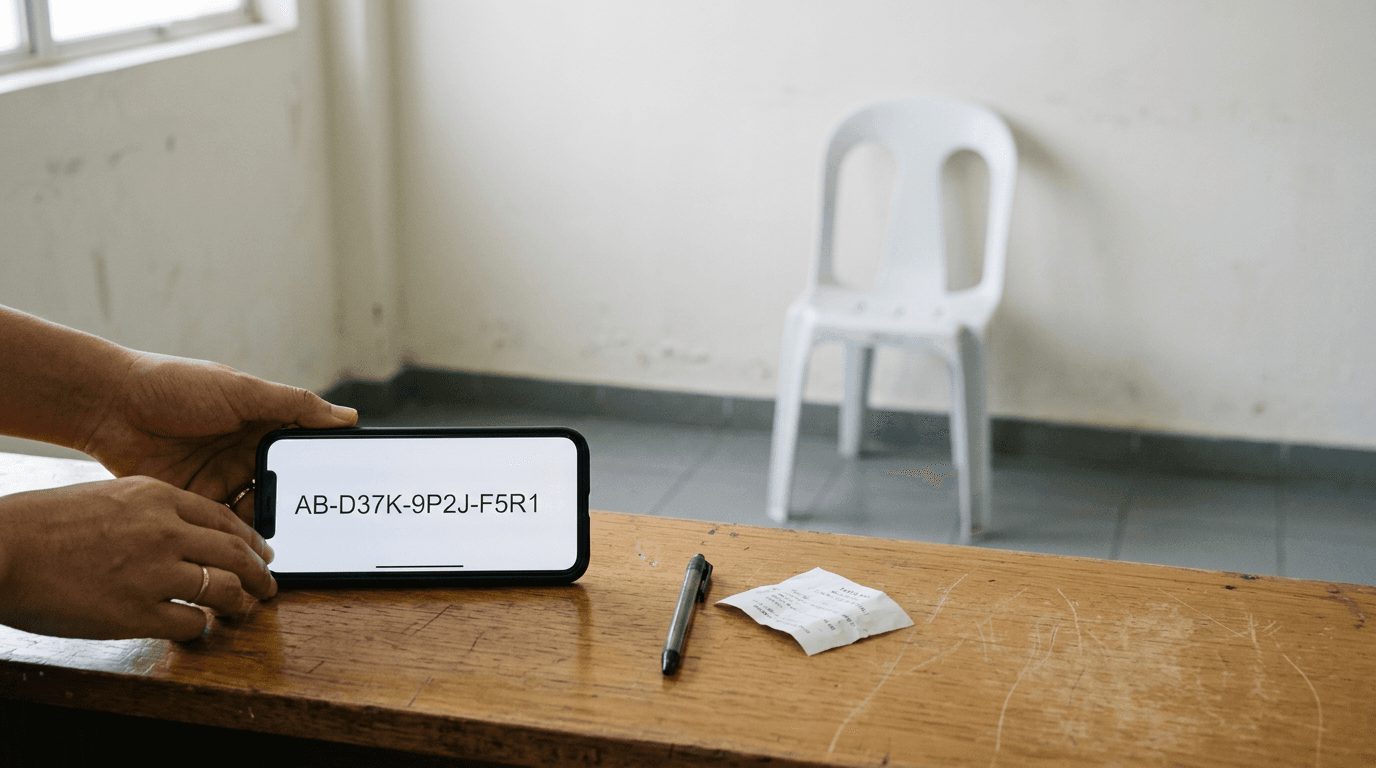
The moment of truth in a modern digital passport renewal does not happen in a photography booth; it happens when you paste a string of alphanumeric characters into a government portal and wait for the system to accept or reject the image attached to it. For many applicants, particularly parents trying to capture a compliant image of a newborn, this digital handshake is the most stressful part of the process. The UK passport photo code was introduced to streamline applications by linking a pre-verified digital image directly to your application file. However, treating this code as a mere receipt misunderstands how the system operates. It is a cloud-hosted pointer, and understanding the mechanics behind it is the difference between an application that sails through the automated checks and one that stalls in a manual review queue for weeks.
Quick Summary
A UK passport photo code is a unique alphanumeric identifier that links a digital photograph stored on a commercial provider's secure server directly to the HM Passport Office (HMPO) system. It replaces the need to manually upload a JPEG file during the application process.
- The code acts as a retrieval mechanism, allowing HMPO to pull the image directly from the vendor.
- Images attached to a code have typically passed an initial automated biometric validation.
- The system evaluates over 20 distinct biometric markers, including head tilt, background uniformity, and shadow detection.
- Infant photos present unique challenges that often bypass standard automated checks, requiring specialised processing to ensure compliance.
Table of Contents
- The Architecture of the Digital Photo Code
- How the Automated Passport Photo Check Evaluates Biometrics
- Digital Uploads vs. Code Generation in the Passport Photo Application
- The Unique Failure Modes of Infant and Toddler Submissions
- Technical Specifications for a Compliant Digital Image
- Recovering from a Rejected Photo Code
- FAQ
- Recommended Reads
The Architecture of the Digital Photo Code
When you obtain a UK passport photo code, you are not actually receiving the photograph itself. Instead, you are receiving a secure, temporary cryptographic pointer. The commercial provider - whether a high-street pharmacy or a specialised digital platform - hosts your image on a secure server that communicates with the HM Passport Office via an Application Programming Interface (API).
This architecture was designed to solve a specific data integrity problem. Before the introduction of the code system, applicants would manually upload JPEG files. This introduced massive variability in file compression, metadata stripping, and colour space alterations caused by the applicant's own device or email client. By using a code, HMPO ensures that the file they retrieve is exactly the file the provider generated, untouched by intermediate compression algorithms.
The code itself is typically valid for a limited period, usually up to six months, after which the image is purged from the provider's servers for data protection reasons. If you attempt to use an expired code, the HMPO portal will simply return a retrieval error.
Practical rule: Always initiate your passport application within a few weeks of generating your photo code to ensure the image remains available on the provider's server and accurately reflects your current appearance.
The Retrieval Mechanism
Upon entering the code into the government portal, the HMPO system sends a request to the vendor's server. The vendor's server authenticates the request and transmits the raw, uncompressed image file along with a metadata payload confirming that the image meets the baseline technical specifications. If the vendor's server is experiencing downtime, the retrieval will fail, which is why the portal sometimes asks applicants to try again later rather than immediately rejecting the code.
How the Automated Passport Photo Check Evaluates Biometrics
The moment the image is retrieved, it undergoes a rigorous automated passport photo check. This is not a human looking at the picture; it is a machine vision algorithm evaluating the image against strict International Civil Aviation Organization (ICAO) standards.
The system checks for over 20 biometric markers. These are not arbitrary rules; they are the specific data points required by facial recognition software at border control gates. The algorithm maps the distance between the pupils, the vertical distance from the chin to the crown of the head, and the symmetry of the facial features.
Background and Lighting Analysis
One of the most common failure points in the automated check is background uniformity. The algorithm does not just look for a "light grey or cream" background; it analyses the pixel variance across the entire background area. If it detects a gradient - caused by a shadow falling on one side of the face or an unevenly lit wall - it flags the image.
Similarly, the system evaluates the contrast between the subject and the background. If a subject with very light hair is photographed against a stark white background, the algorithm may fail to distinguish the boundary of the head, leading to a rejection based on invalid head proportions. This is why professional tools automate background removal and replacement, ensuring the pixel variance remains within the strict tolerances expected by the HMPO algorithm.
Digital Uploads vs. Code Generation in the Passport Photo Application
During a standard passport photo application, applicants are usually presented with two primary options for supplying their image: manually uploading a digital file from their device, or entering a pre-generated photo code. While both methods can result in a successful application, they carry different risk profiles.
Uploading a digital file directly shifts the burden of technical compliance entirely onto the applicant. You are responsible for ensuring the file size is within the acceptable range (typically between 50KB and 10MB), that the aspect ratio is correct, and that the image has not been inadvertently compressed by a messaging app used to transfer the photo from a phone to a computer. Even minor compression artifacts can interfere with the biometric mapping process.
Using a generated code shifts the technical burden to the provider. Because the provider's system is integrated with the government's expected standards, the image is automatically cropped, sized, and formatted before the code is even issued.
The Trade-off of Control
The primary trade-off is visibility. When you upload a file, you see exactly what is being submitted. When you use a code, you are trusting the provider's server to deliver the correct, uncorrupted file to the HMPO. For applicants who prefer to maintain control over the raw file - perhaps to print it themselves using a 4x6" print template at a local retail outlet - having the digital file alongside the code is a necessary failsafe. If you need assistance understanding the dual delivery of codes and print templates, reviewing a dedicated Help Center | UK Baby Passport Photo Maker can clarify how to leverage both formats.
The Unique Failure Modes of Infant and Toddler Submissions
The standard rules of biometric photography break down almost entirely when applied to infants. The HMPO makes specific allowances for children under the age of one (they do not need to have their eyes open) and children under the age of six (they do not need to be looking directly at the camera or maintaining a neutral expression). However, the automated systems are often poorly calibrated to handle these exceptions.
When a parent submits a photo of a newborn, the automated check frequently flags the image for compliance violations that are technically permitted by the written guidelines.
Support Structures in the Frame
The most frequent cause of rejection for infant photos is the presence of support structures - specifically, a parent's hands. Because infants cannot support their own heads, parents often hold them from behind. If even a fraction of a finger is visible in the frame, the automated check will reject the image for containing another person.
Furthermore, infants are often photographed lying down on a sheet. If the sheet is wrinkled, the background uniformity check fails. To successfully navigate this, parents must use environments with completely flat, diffused lighting, or rely on AI-powered photo processing that can intelligently isolate the infant from the supporting background without altering the biometric integrity of the face. For a detailed breakdown of these specific constraints across different jurisdictions, consulting international UK & International Baby Passport Photo Requirements & Guides | UK Baby Passport Photo Maker is highly recommended before attempting the shot.
Technical Specifications for a Compliant Digital Image
To understand why a code might be rejected upon retrieval, one must understand the exact technical specifications the HMPO API demands from the vendor. The image must not only look correct to the human eye; it must be mathematically compliant.
First, the image must be captured in the sRGB colour space. If a smartphone camera captures the image in a wider colour gamut (such as Display P3, common on modern iPhones) and the provider's software fails to convert it properly, the HMPO system may read the skin tones as unnatural and flag the file.
Second, the resolution and compression ratios are strictly defined. The image must contain sufficient detail to allow for zooming without pixelation, but must not be artificially sharpened. Algorithmic sharpening, often applied automatically by smartphone camera software to make photos "pop," introduces edge halos around the face. The biometric algorithm interprets these halos as digital manipulation, leading to an immediate rejection.
Practical rule: When taking a photograph on a smartphone for passport purposes, disable any "beauty filters," portrait modes, or AI enhancement features, as the artificial depth-of-field blurring will be flagged as digital alteration.
Managing Shadows and Highlights
The tolerance for shadows is remarkably low. A shadow under the chin or across one side of the nose alters the perceived geometry of the face. If the ambient lighting in the room creates a harsh highlight on the forehead and a deep shadow on the cheek, the algorithm cannot accurately calculate the distance between the facial landmarks. The light must be entirely flat and diffused, typically achieved by facing a large, indirect light source like a window on an overcast day.
Recovering from a Rejected Photo Code
Despite the safety net of automated pre-checks, codes can and do get rejected. This usually happens not during the initial digital handshake, but days later when the application falls into a manual review queue. The automated system may pass the image based on mathematical compliance, but a human examiner might spot an issue - such as glare on a pair of glasses or a subtle reflection in the eyes - that the machine missed.
When a rejection occurs, HMPO will send an email detailing the specific reason. It is crucial to read this reason carefully, as it dictates the remedy. If the rejection is due to "background not plain," simply retaking the photo in the exact same location will result in another rejection. You must alter the environmental variables.
If you used a commercial service that guarantees compliance, a rejection triggers their refund or replacement mechanisms. Reliable services understand that manual examiners apply subjective judgements that occasionally overrule objective algorithmic compliance. In these instances, applicants should locate the provider's 100% Refund Policy | UK Baby Passport Photo Maker and submit the rejection evidence within the stipulated timeframe - often 14 days - to recover their costs before attempting a new submission.
Understanding the mechanics of the photo code system removes the mystery from the application process. By recognising that the code is simply a secure bridge between a highly regulated digital file and a strict biometric algorithm, applicants can prepare their images - and their environments - to meet the exacting standards required for international travel documents.
FAQ
How long is a UK passport photo code valid for?
A photo code is typically valid for up to six months from the date of generation. After this period, the commercial provider purges the image from their servers to comply with data protection regulations, and the code will no longer work.
Can I use the same photo code for multiple passport applications?
No. Once a code has been successfully redeemed and linked to a specific passport application within the HMPO system, it cannot be reused for a different applicant or a subsequent application.
What should I do if the passport portal says it cannot retrieve my photo using the code?
Retrieval errors are often caused by temporary downtime on the vendor's server. Wait an hour and try entering the code again. If the issue persists for more than 24 hours, contact the service provider that issued the code.
Will the automated check tell me immediately if my baby's photo is rejected?
The initial portal check will flag obvious technical failures, but infant photos that pass the automated check are still subject to manual review by HMPO staff. You may receive a rejection email days or weeks later if a human examiner spots an issue like a visible parent's hand.
Can I convert a digital JPEG I already have into a photo code?
Only approved commercial providers can generate a valid IDPC code that interfaces with the HMPO system. You cannot generate a code yourself from a JPEG, though many online services will take your existing JPEG, verify its compliance, and generate a code for you.