Visa passport photo digital format rules explained for UK and international applications
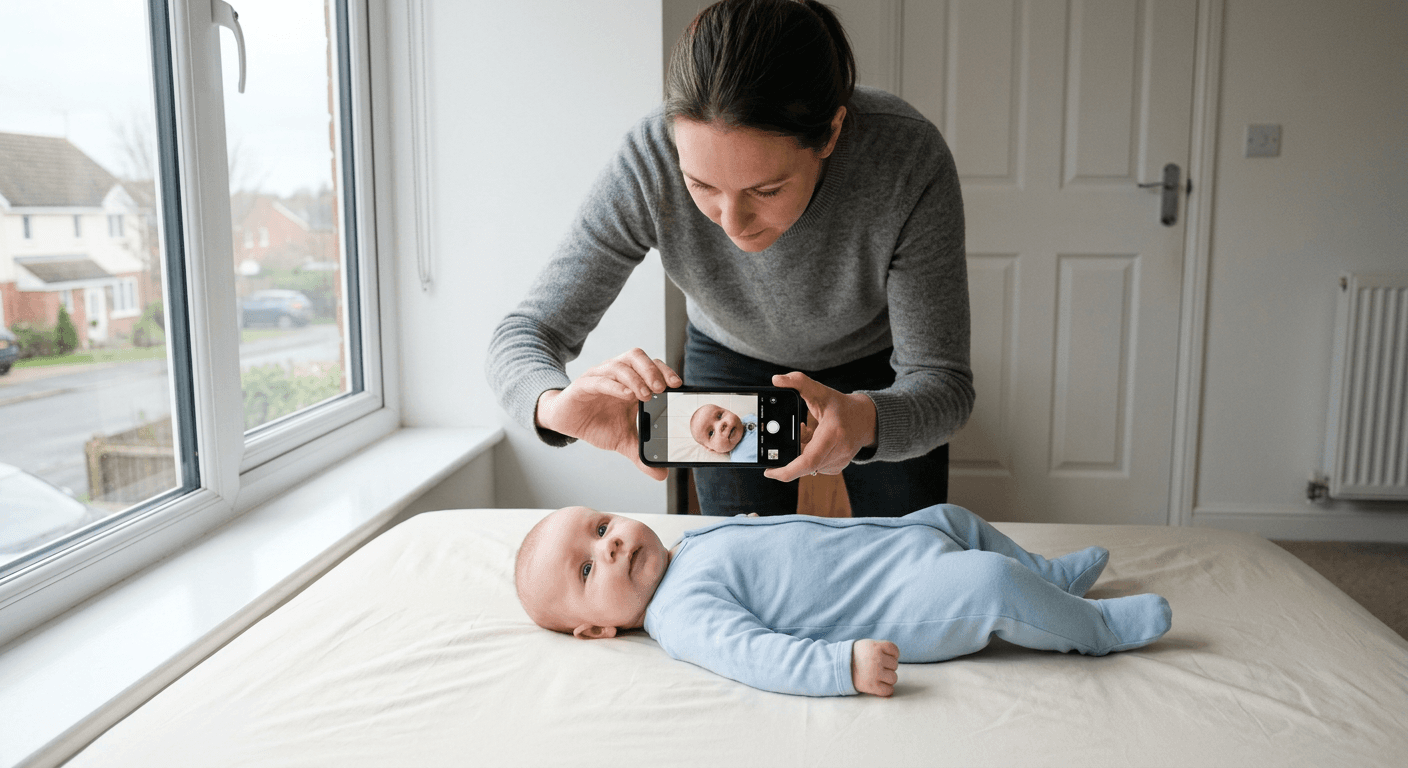
You take what looks like a perfectly sharp baby or adult photo on your phone, upload it, and the application portal still rejects it. In most cases, the face is not the real problem. The file is. For visa passport photo submissions, the difference between a usable image and a rejected one often comes down to format, dimensions, compression, background handling, and whether the portal wants a digital upload, a printed photo, or both.
Quick Summary
A digital visa or passport photo is not just a headshot saved on your phone. It is a file that must match the application system's rules for image type, pixel dimensions, aspect ratio, background, crop, and facial positioning, and those rules vary by country and document type.
- Check the application's upload specification before taking the photo
- Separate photo quality problems from file format problems
- Do not assume passport and visa rules are interchangeable
- A photo can look correct on screen and still fail technical validation
- For children and babies, framing and background errors are more common than resolution errors
Table of Contents
- visa passport photo failures are usually format mismatches, not camera failures
- A valid photo file has five separate technical layers
- The same rejection message can mean four different problems
- Passport and visa photo rules overlap less than people think
- Phone photos can work, but only if you control the file before upload
- For babies and young children, positioning errors matter more than megapixels
- Use digital tools for formatting, not for guessing the requirements
- FAQ
- Recommended Reads
visa passport photo failures are usually format mismatches, not camera failures
Most applicants blame the camera first. That is understandable, but usually wrong. Modern phones produce more than enough detail for many official photo workflows. The more common issue is that the image leaving the phone is not the image the visa system expects to receive.
The lens that matters: image content versus file compliance
Treat this as two separate tests.
First, image content: neutral expression where required, plain background, no shadow across the face, eyes visible, head centred, and no cut-off at the crown or chin.
Second, file compliance: accepted file type, correct dimensions, acceptable file size, proper orientation, no odd colour profile behaviour, and crop proportions that match the form's template.
Readers often mix these together because the rejection message rarely tells them which layer failed. A system may simply say "photo invalid" whether the actual cause is a poor crop, an unsupported file variant, or a face that sits too low in frame.
What to do today:
- Check whether the application asks for digital upload only, printed photos only, or both
- Find the exact listed file format before shooting again
- Keep one untouched original and make edits on a copy
- If a file is rejected instantly, suspect technical format before retaking the portrait
Practical rule: If the portal rejects the image at upload, start with file type, size, pixel dimensions, and orientation. If it accepts the upload but rejects later, start with crop, background, and facial positioning.
A valid photo file has five separate technical layers
A compliant digital image is really a stack of requirements. Miss any one layer and the whole file can fail.
1. File type
Most government and visa systems expect JPEG or JPG. Some will tolerate PNG; many will not. The reason is not quality snobbery. It is system design. JPEG is widely supported, lightweight enough for upload portals, and predictable in older document processing systems.
A common failure mode now comes from newer phones saving photos as HEIC or HEIF. These look fine in your gallery but are not universally accepted by official portals. If the site does not explicitly list them, assume they are risky.
Check today:
- Open the file properties and confirm the actual extension
- Do not rely on what your phone app calls it
- If converting, re-check dimensions afterwards, because some converters resize silently
2. Pixel dimensions
Physical print sizes and digital pixel sizes are not the same thing. That confusion causes endless rejections. A printed 35 mm x 45 mm style image might need one set of dimensions for print preparation, while the digital upload portal may require a separate pixel minimum or a fixed square file.
This is why keywords like us visa passport photo size and uk passport digital photo requirements cannot be treated as interchangeable. One describes a target specification in one route; the other may refer to a different digital workflow altogether.
Check today:
- Look for minimum and maximum pixel dimensions, not just physical size
- Confirm whether the file must be portrait rectangle or square
- Avoid screenshots, which often degrade dimensions and add interface artefacts
3. Compression and clarity
An image can be technically large enough and still be unusable because it has been compressed too hard. Messaging apps, social media exports, and some editing tools strip detail, smooth skin edges, and create blocky transitions around hair and ears. Those are exactly the edges automated systems use when they isolate the face from the background.
If a portal sets a file size cap, do not keep saving the same JPEG over and over to get under it. Repeated compression causes visible loss. Resize once from the original, then export once at sensible quality.
Check today:
- Zoom in on the jawline, ears, and hair edge
- If you see smeared detail or square artefacts, work again from the original image
- Avoid sending the photo through chat apps before submission
4. Crop and aspect ratio
Cropping is where many usable images become unusable. Official systems care about how much of the frame the head occupies, not merely whether the face is visible. Too much empty space above the head, a chin too close to the lower edge, or a crop that clips hair can all trigger failure.
Aspect ratio matters because some systems will stretch or auto-crop an uploaded image to fit their frame. That changes the face position even if your original looked correct.
Check today:
- Compare the face size to the official template, not to another applicant's photo
- Leave enough margin around the head before final cropping
- Preview the file after upload if the portal shows a crop box
5. Biometric composition
This is the part people think of as the photo itself, but it is still a technical layer. Lighting must preserve facial detail without deep shadows, eyes must be visible, and the head should sit straight enough for measurement points to work. For babies, the same logic applies even where expression rules are looser.
The useful check is simple: can software clearly distinguish the face outline, chin, crown, and eye line from the background and from clothing? If not, a human may still recognise the person, but the system may struggle.
For country-specific requirement summaries, the most relevant internal reference is the UK and international baby passport photo requirements and guides, because the exact framing and background rules differ by document route.
The same rejection message can mean four different problems
"Invalid photo" is not a diagnosis. It is a bucket for several different failure modes that need different fixes.
Portal says the upload is invalid
This usually points to file-level incompatibility. Think unsupported file type, file too large, file too small, wrong pixel range, or corrupted metadata after editing.
What to check:
- Does the extension match the accepted list?
- Has the image been exported from a document editor rather than a photo editor?
- Did the phone rotate the image using metadata rather than actually rotating the pixels?
This is often the real cause when the rejection happens immediately.
Portal accepts the file but the application is later rejected
That points more often to content compliance. The upload system accepted the container, but later review - automated or manual - found a problem with background, head size, facial angle, glasses reflections, or overall crop.
What to check:
- Is the background truly plain, or just uncluttered?
- Is there shadow behind the ears or neck?
- Is the head proportion close to the requirement?
The face looks fine but automated checks fail
This happens when a photo works for a person but not for measurement software. Common causes are low contrast between hair and background, strong top lighting creating eye sockets, over-smoothing from beauty filters, or motion blur too subtle to notice at normal size.
What to check:
- Turn off portrait enhancement and beauty modes before shooting
- Inspect the eyes at full zoom for blur
- Check whether white bedding or clothing merges into a light background for infant photos
Printed output passes visually but not for the application route
Some applicants solve the digital problem by printing, then discover the application route wanted a digital upload that meets separate portal rules. Others prepare a digital file correctly but then print it on a template that does not match the required physical layout.
Four questions usually reveal which problem you actually have:
- Does the application route ask for digital, print, or both?
- Did the rejection happen at upload or after review?
- Is the original file from the phone still available?
- Was the image edited by a chat app, screenshot, or generic design tool?
Passport and visa photo rules overlap less than people think
The assumption that one compliant passport image will suit every visa route is a reliable way to waste time. Some systems accept similar composition but demand different dimensions, digital crop ratios, or file size limits. Others use different naming conventions for what sound like the same thing.
Why similar documents still use different photo standards
The reason is procedural, not cosmetic. A passport office, a visa centre, and an embassy contractor may process images through different software pipelines. One may ingest files directly into facial matching software. Another may combine online upload with later printing. Another may require a square digital image even though the printed version is rectangular.
That is why digital passport photo uk requirements should be checked at the route level, not guessed from memory. Equally, a search for passport and visa photos is only a starting point. The real question is: which authority, which form, and which submission channel?
What to do today:
- Match the photo spec to the exact application form
- Treat renewal, first issue, visa, and child applications as separate workflows until proven otherwise
- If the route provides a live cropping tool, use that as part of validation, not as an afterthought
Phone photos can work, but only if you control the file before upload
A smartphone is usually capable enough. The trap is the software chain attached to it. Phones optimise photos for sharing, not for government submission.
What to check on the device before you submit
Start in the camera settings. If the phone saves by default in HEIC, either switch to a more broadly accepted format for this task or convert carefully and verify the output. Turn off filters, portrait blur effects, and automatic face beautification. These tools are designed to make a flattering image, not a measurable one.
Then check the environment. Use even light from the front, avoid mixed colour lighting, and keep the background plain enough that software can separate the subject cleanly. For babies, a light sheet can work if it is smooth and does not cast folds and shadows around the head.
Finally, inspect the exported file itself. On many failed applications, the photo capture was adequate but the wrong version got uploaded - a screenshot, a compressed forward from another family member, or an auto-synced social copy.
Practical rule: The file you submit should come directly from the original capture or from one deliberate export. If it has passed through messaging, screenshots, or multiple saves, assume quality or metadata has changed.
If you need process details rather than format theory, the Help Center for UK Baby Passport Photo Maker is the most relevant internal support-style page in this set of resources.
For babies and young children, positioning errors matter more than megapixels
With infants, readers often worry about camera specification and ignore the harder part: getting a technically measurable face position while the child is moving, blinking, or sinking into a blanket.
What makes infant images harder to validate
The first issue is head angle. A slight tilt that would pass casual inspection can shift eye line and chin position enough to cause trouble. The second is background contamination - blanket folds, a visible hand supporting the baby, patterned fabric, or shadows around the ears. The third is face visibility. Babies naturally tuck their chin, open their mouth, or turn toward the nearest adult voice.
For this reason, more megapixels do not solve the main problem. Better positioning does.
What to check today:
- Crown, chin, and both sides of the face should be clearly visible
- No dummy, toy, hand, or clothing edge should obscure the jawline
- Keep the baby flat enough that the head is not receding into the surface
- Take several frames in one session, because micro-movement matters
This is where at-home digital tools suit some families particularly well: busy parents who can take multiple attempts without travelling. They suit them less well when the available lighting is poor, the child cannot be settled long enough for a clean frame, or the application route has unusually strict capture instructions that are easier to satisfy in a controlled studio setting.
Use digital tools for formatting, not for guessing the requirements
Software can do useful work here. It can remove a background, standardise crop, prepare print layouts, and flag obvious biometric issues. What it cannot do responsibly is replace the official specification for the exact visa or passport route.
Who these tools suit - and who should skip them
Use a tool when you already know the target requirement and need help turning a decent phone image into the right output format. That includes situations where you need digital files plus print-ready layouts, or where you need to retry several baby photos quickly at home.
Skip or double-check tools when:
- The application route has changed its specification and the tool has not caught up
- You do not know whether the authority wants digital, print, or both
- The source image has obvious pose or lighting problems that software cannot honestly fix
- The route appears to ask for a very specific country or visa subclass format and the tool does not explicitly support it
A us visa photo tool can be useful if it is only handling crop, background, and output preparation. It is not a substitute for reading the actual route requirements. That distinction matters.
FAQ
Can I use the same digital image for both a passport and a visa application?
Sometimes, but do not assume so. Even when the portrait itself looks acceptable for both, the required file dimensions, crop ratio, upload limits, or printed format may differ.
What file format is safest for digital applications?
Usually JPEG or JPG, because that is the most commonly accepted format in official upload systems. If your phone saves HEIC by default, verify whether the portal accepts it before uploading.
Why was my photo rejected when it looks clear on my phone?
Because visual clarity is only one test. The file may have the wrong dimensions, the wrong aspect ratio, heavy compression, rotated metadata, or a face position that does not match the portal's template.
Are digital passport photo uk rules the same for children and babies?
Not always. The core need for a clear face and plain background remains, but some expression and positioning tolerances differ for infants. The exact route still matters.
Is a printed passport photo enough if the application started online?
Only if the route explicitly allows printed submission in place of a digital upload. Many online processes still require a compliant digital file even when printed photos are also needed later.